Starting a podcast in 2026 is easier than most beginners expect. You do not need a studio, expensive gear, or technical expertise. You need a clear idea, a microphone that sounds decent, a quiet room, and a repeatable workflow. Audio quality matters more than expensive gear — and the best beginner upgrade is usually not a more expensive microphone, but a better room.
This guide walks through the whole sequence in order: concept, format, equipment, recording, editing, hosting, and launch.
Step 1: Define Your Podcast Before You Buy Anything
Most failed podcasts fail on concept, not on audio. Before you spend a dollar, answer four questions:
- Who is it for? A specific listener, not “everyone interested in business.” “Marketing for independent therapists” beats “business tips” because the listener knows instantly whether the show is for them.
- What is the promise? What will a listener be able to do, understand, or feel after each episode? One sentence.
- What is the format? Solo, co-hosted, interview, or storytelling? Solo is the simplest to produce every week. Interviews are easier to fill with content but harder to schedule.
- How long, and how often? Twenty to 30 minutes weekly is the beginner sweet spot: long enough for depth, short enough to produce reliably. A show you can make every week beats a show you make twice and abandon.
Plan your first ten episode topics before you record the first one. If you cannot think of ten, the concept is too narrow — or too vague.
Step 2: Get the Equipment You Actually Need
Beginners often overbuy equipment before they understand their workflow. Here is what you actually need, in order of importance:
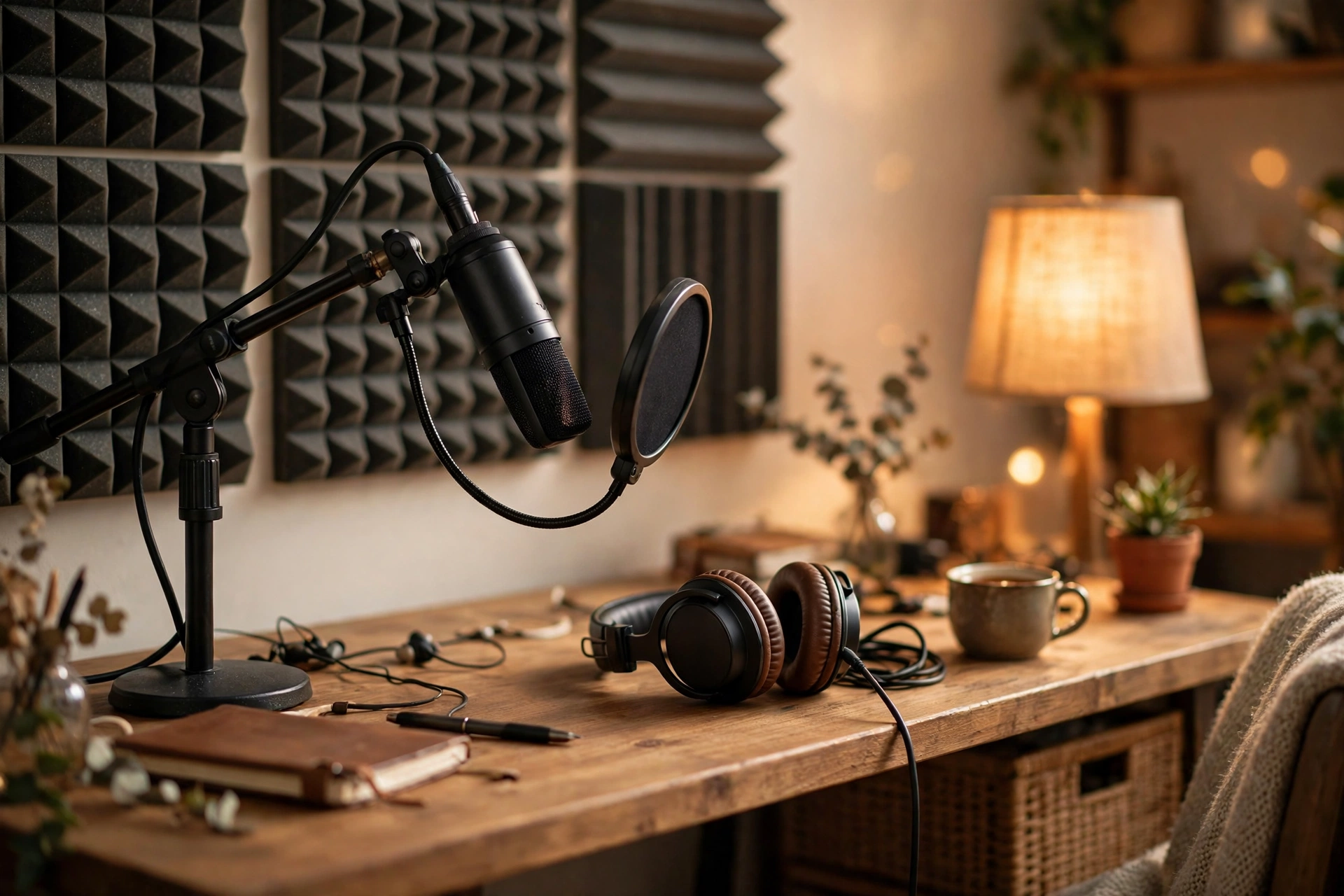
- A USB microphone ($50–$150). Start with a USB mic — it plugs straight into your computer with no extra gear. Popular beginner options include the Samson Q2U (around $60–$69) and the Audio-Technica ATR2100x-USB (around $79). Both also have an XLR output, so you can upgrade to a mixer or audio interface later without buying a new mic. The Blue Yeti (around $100) is another common starting point.
- Closed-back headphones ($30–$150). You need to hear yourself clearly while recording, without the sound leaking back into the microphone. Any closed-back pair works to start.
- A pop filter. A simple mesh filter tames plosives — the harsh “p” and “b” sounds. Many mics include one; a separate one costs a few dollars.
- A quiet room. This matters more than the microphone. Record in a room with soft surfaces: curtains, rugs, bookshelves, or a closet full of clothes. A small, carpeted room usually sounds better than a large, echoey one.
You do not need an XLR microphone and audio interface ($200–$700+), a mixer, or a camera yet. If you plan to publish video, add a camera and lighting only after the audio workflow is stable. A beginner can start a professional-sounding podcast for roughly $100 to $300 with a USB microphone, headphones, free software, and a basic hosting plan.
Step 3: Record and Edit
Recording software
Start free. Audacity (Windows, Mac, Linux) is free and open source and handles recording and basic editing. GarageBand is free on Mac and easy to learn. For remote interviews, Riverside records each guest on a separate track, with paid plans starting around $24–$29 a month.
How to record a clean episode
- Record in the quiet room, with windows closed and notifications silenced.
- Sit close to the microphone — about a fist’s width away — and speak across it, not directly into it, to reduce plosives.
- Record a few seconds of room silence at the start. It helps you remove background noise in editing.
- Record each speaker on a separate track when you can. It makes editing ten times easier.
- Do not stop for small mistakes. Pause, repeat the sentence, and cut the bad take in editing.
Editing: less is more
Cut the dead air, the false starts, and the long pauses. Keep the ums and ahs that sound natural; remove the ones that distract. Add a short intro and outro, and use copyright-safe music for them — using a copyrighted song without permission can get an episode taken down. Aim for a consistent loudness across episodes so listeners do not have to adjust their volume.
Step 4: Choose a Podcast Host
You cannot upload directly to Apple Podcasts or Spotify. You upload to a podcast host, which stores your audio files and generates the RSS feed that directories pull from. Your host is the technical backbone of the show.
Popular beginner hosts, with prices as listed on their pricing pages in 2026:
- Buzzsprout: paid plans from about $15 a month; a free plan allows 2 hours of uploads a month and hosts episodes for 90 days. Beginner-friendly, with good guides and automatic chapter markers.
- RSS.com: about $5 a month for unlimited uploads, including basic analytics. A good value choice for beginners.
- Libsyn: basic plan about $12 a month, with a 30-day free trial. An industry veteran with more control and a steeper interface.
- Podbean: a free account, then paid plans from about $12–$17 a month.
- Spotify for Creators (formerly Anchor): free hosting owned by Spotify. Good for tight budgets.
Pick the host that fits your budget and your patience with interfaces. You can switch hosts later, but it is a chore — so do not pick purely on the cheapest first month.
Step 5: Submit to Directories and Launch
Once your first episode is uploaded to your host, submit your RSS feed to the directories:
- Apple Podcasts: submit through Apple Podcasts Connect with an Apple ID.
- Spotify: submit through Spotify for Creators.
- Others: most hosts offer one-click submission to Amazon Music, YouTube Music, and smaller apps.
Launch with more than one episode — three is a good number. A listener who likes the first episode should have a second one waiting. Write a clear show description that says who the show is for and what each episode delivers, and design cover art that is readable at thumbnail size: big title, few words, high contrast.
Step 6: Grow the Show
Growth is slow at first, and that is normal. A beginner can start with 100 to 500 engaged listeners and build from there. What works:
- Publish on a schedule and keep it. Consistency matters more than frequency.
- Ask listeners to subscribe and rate the show. Most will not do it unless asked.
- Turn each episode into one or two short clips for social media. Our guide on how to turn a long video into short clips covers the same idea for video.
- Be a guest on other shows in your niche. It is the fastest way to reach listeners who already like your topic.
- Read your analytics. Your host shows downloads per episode, which tells you which topics land and which do not. Make more of what lands.
Monetization comes later: affiliate links, listener support through a service like Patreon, and sponsorships all need an audience first. Do not build the show around income that does not exist yet.
Common Beginner Mistakes
- Buying gear before defining the show. A $300 microphone cannot fix a concept nobody wants.
- Recording in an echoey room. Fix the room first; it is free.
- Editing every um. Over-editing sounds robotic. Cut the mistakes, keep the human.
- Publishing one episode and waiting. Launch with three, and have the next three planned.
- Inconsistent publishing. A show that appears randomly loses listeners faster than a show that appears weekly and is merely good.
Frequently Asked Questions
How much does it cost to start a podcast?
A beginner can start for roughly $100 to $300: a USB microphone ($50–$150), headphones you may already own, free recording and editing software, and a hosting plan starting around $5 a month. You can spend $2,000 or more on gear, but it will not make the show more listenable if the concept is unfocused.
Do I need a website for my podcast?
Not to start. Your host gives you a show page. A simple website helps later, when you want show notes, transcripts, and a mailing list in one place — and our guide to how to start a blog from scratch covers the setup.
How long should a podcast episode be?
Twenty to 30 minutes is a good starting point for most beginner shows. It is manageable to produce weekly and gives enough depth without testing listener patience. Interview shows often run longer; the right length is the one your format can fill without padding.
Can I record a podcast on my phone?
Yes — a phone with a decent microphone app works for a first episode, and some hosts let you record directly in their app. A USB microphone and a quiet room will sound noticeably better, so treat the phone as a starting point, not the destination.
Keep Going: Related BlogPress Creator Guides
If video is part of your plan, see how to start a YouTube channel from scratch, how to record better videos with a smartphone, and how to create a content calendar in Google Sheets to keep your publishing schedule on track.