Starting a blog in 2026 is technically easy — you can be live in an afternoon — and strategically easy to get wrong. Most new blogs do not fail because the setup was hard. They fail because the topic was vague, the first posts chased broad phrases nobody new can win, or the blog was never properly set up to be found.
This guide is the pillar of BlogPress’s blogging series: the full beginner plan, from choosing a topic to your first month of publishing, with links to the detailed guides for each step. Follow it in order, and you will launch a blog you own, with a realistic path to readers.
Step 1: Pick a topic you can sustain for a year
A blog topic — your niche — needs to pass three tests:
- You can write about it for a year without getting bored. Enthusiasm is the only publishing schedule that survives month three.
- Other people search for it. Your knowledge has to meet real questions, phrased the way searchers phrase them.
- It is narrow enough to stand out. “Food” is a category, not a niche. “Weeknight dinners for small kitchens” is a niche a new blog can own.
Write down ten questions people in your area actually ask. If you cannot list ten, the topic is too thin or you do not know the audience yet — spend time in forums, comments, and Q&A sites listening before you commit. The questions you collect here become your first article ideas.
Step 2: Choose how to build it
You have more ways to publish than ever, but for most beginners who want a blog they can grow and monetize, the honest comparison looks like this:
| Option | Do you own it? | Best for |
|---|---|---|
| Self-hosted WordPress | Yes, fully | A blog you grow and monetize without platform lock-in |
| Hosted website builders | Partly | Getting a simple site up fast with less control |
| Free blogging platforms | No, in practice | Testing an idea before committing |
Self-hosted WordPress is free software running on hosting you pay for. You own the content, the domain, and the design choices, and thousands of themes and plugins extend it. That ownership is why it remains the safest default for a blog you intend to grow. If you only want to test whether you enjoy writing, a free platform is fine — just know that moving later costs effort.
Step 3: Get your blog online
To run a self-hosted blog you need two things:
- A domain name — your blog’s address. Short, memorable, easy to spell aloud, and related to your topic. Avoid hyphens and clever spellings people will mistype. Check availability before falling in love with a name.
- Web hosting — the service where your blog lives. Most hosts offer one-click WordPress installation, and the whole setup takes under an hour. Shared hosting plans are plenty for a new blog; introductory prices are typically a few dollars a month on longer terms, and renewal rates are higher, so budget for the real long-term price before you commit.
Once WordPress is installed, log in to your dashboard, pick a clean, fast, mobile-first theme, and resist the urge to redesign for a week. Launch with good content; refine the design later. Install only the plugins you need at first: a security plugin, a backup plugin, and an SEO plugin such as Rank Math or Yoast. Every extra plugin is a maintenance obligation.
Step 4: Create the essential pages
Before your first post, create the pages every blog needs:
- About — who you are, who the blog is for, and why it exists.
- Contact — a simple way for readers to reach you.
- Privacy policy — required if you use analytics or comments, and good practice regardless.
- Start here (optional but valuable) — a short page pointing new readers to your best introductory posts. Add it once you have five or six posts.
Set your permalink structure to post names (short, readable URLs) from the start. Changing URLs later breaks links; getting it right on day one costs nothing.
Step 5: Write your first five posts — specific, not broad
Do not launch with a post targeting “how to start a blog” or another broad head phrase. Launch with five specific, useful posts that answer real questions in your niche. Use the method in our guide to finding low-competition keywords for a new blog: specific phrases where the current results are thin, outdated, or a poor match are topics a new blog can genuinely win.
For each post, follow the workflow in our guide to writing SEO-friendly posts that help readers: answer the question directly in the opening, use descriptive headings, add a worked example, and finish with a short FAQ for follow-up questions. Before you write, read our guide to search intent so each post matches the kind of answer its searcher actually wants.
Aim for one quality post per week at first. Consistency over months beats a burst of ten posts followed by silence.
Step 6: Make sure Google can find you
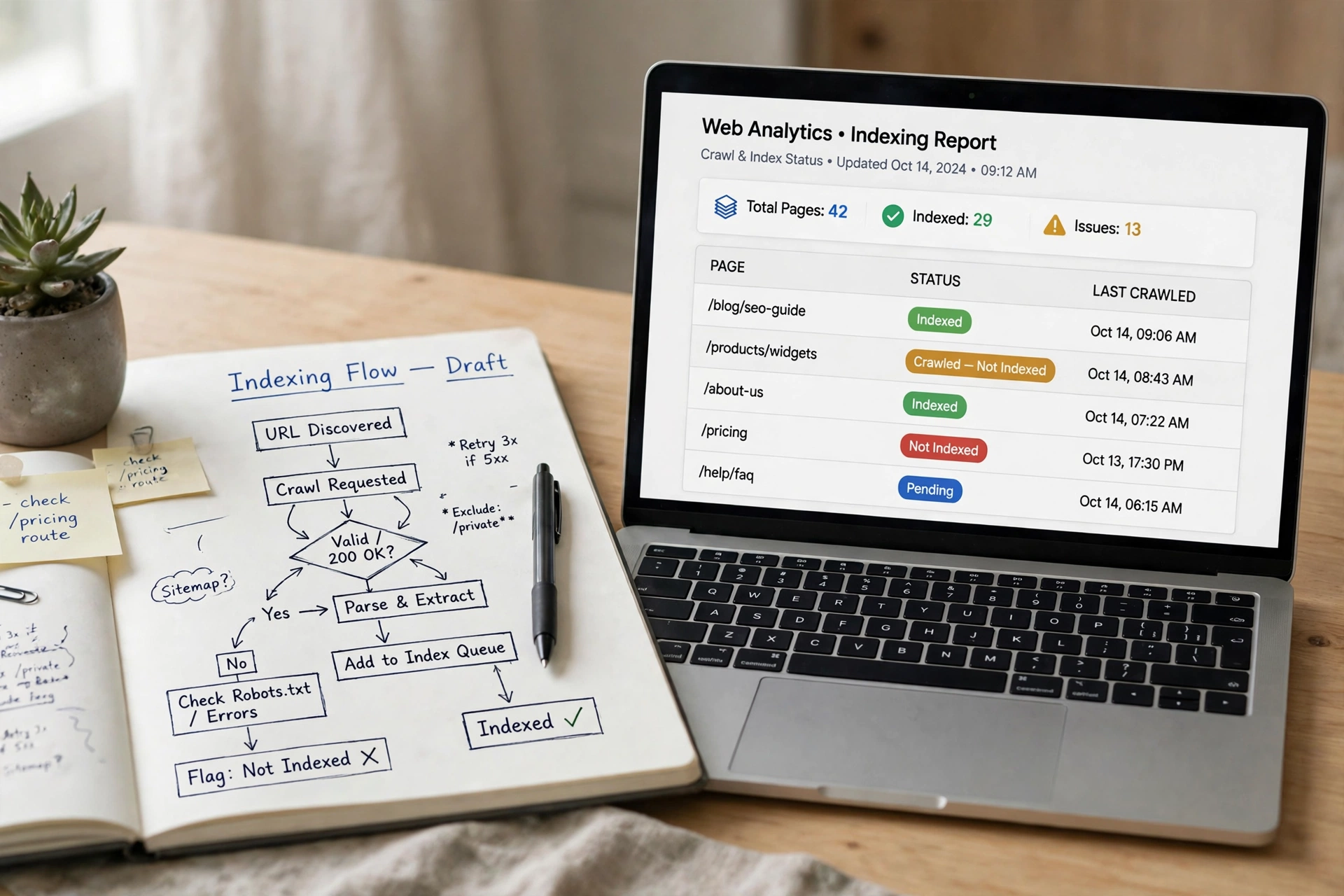
A blog that Google cannot index is invisible, however good the writing. After publishing, complete these technical checks — each has a detailed BlogPress guide:
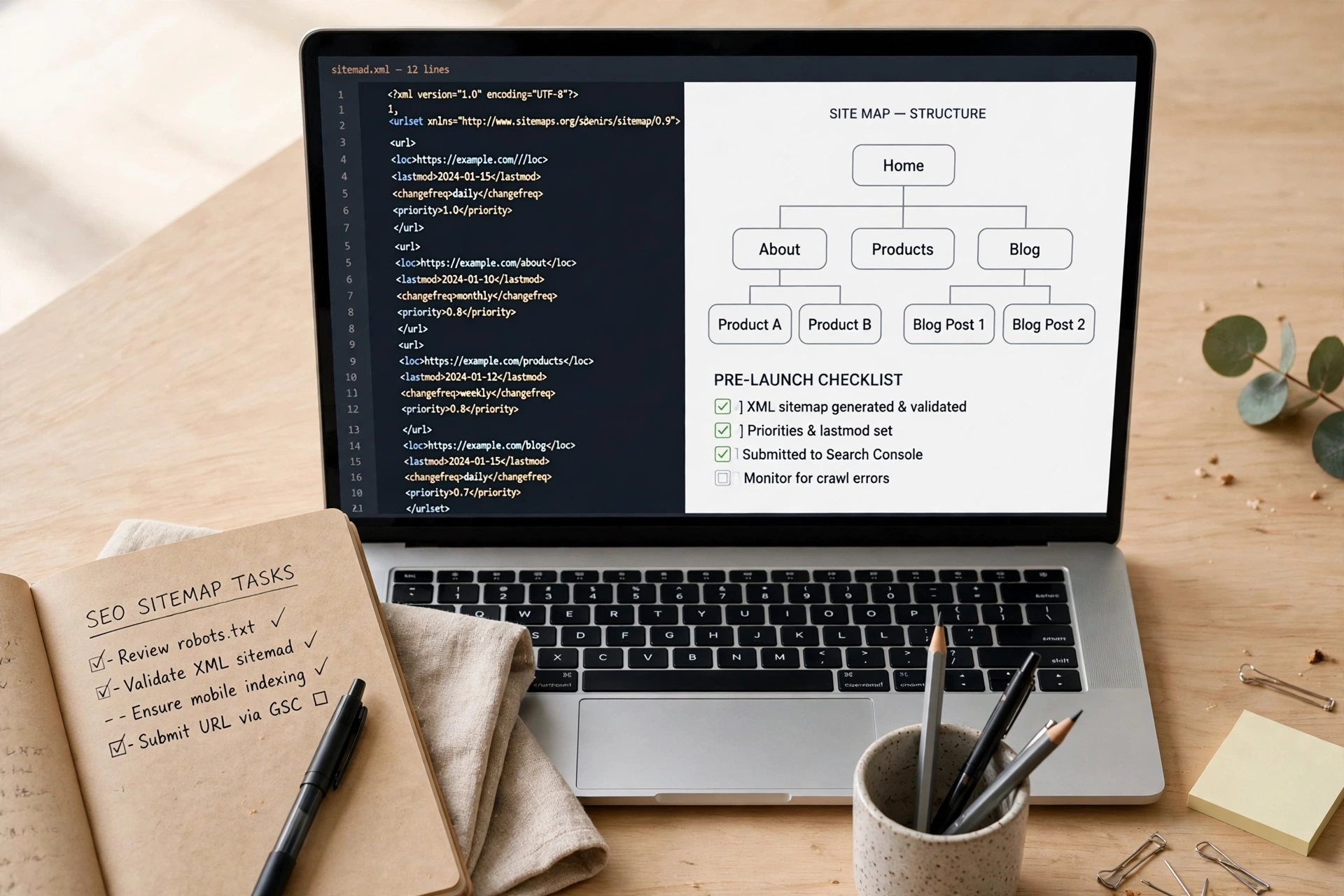
- Submit your site to Google Search Console and confirm your sitemap is submitted. See our guide to creating an XML sitemap and submitting it to Google.
- Check indexing for each post. Our guide to getting your website indexed by Google explains the steps and the waiting time honestly.
- Fix problems early. If a page shows as “Crawled — currently not indexed,” our fix guide walks through triage instead of guessing. If your site is not appearing at all, read why a website might not show up on Google.
- Learn the reports. Our refreshed Google Search Console guide explains the Performance report, where you will later find the queries your pages already rank for — your best source of future topics.
As search evolves, the same foundation serves AI features too: our guides to SEO vs AEO vs GEO and optimizing for Google AI Overviews explain why good, indexed, answer-first pages are the whole strategy there as well.
Step 7: Promote where your readers already are
Publishing alone is not promotion. For each post, share it where your niche already gathers — a relevant community, a social account, or an email list — with a sentence about the problem it solves, not just the link. Answer one related question in a forum or comment section (genuinely, not as spam) and let your post be the deeper resource for readers who want more.
Start an email list early, even if it is ten people. Search traffic compounds slowly; an email list is the one audience you own outright, and it gives every new post its first readers.
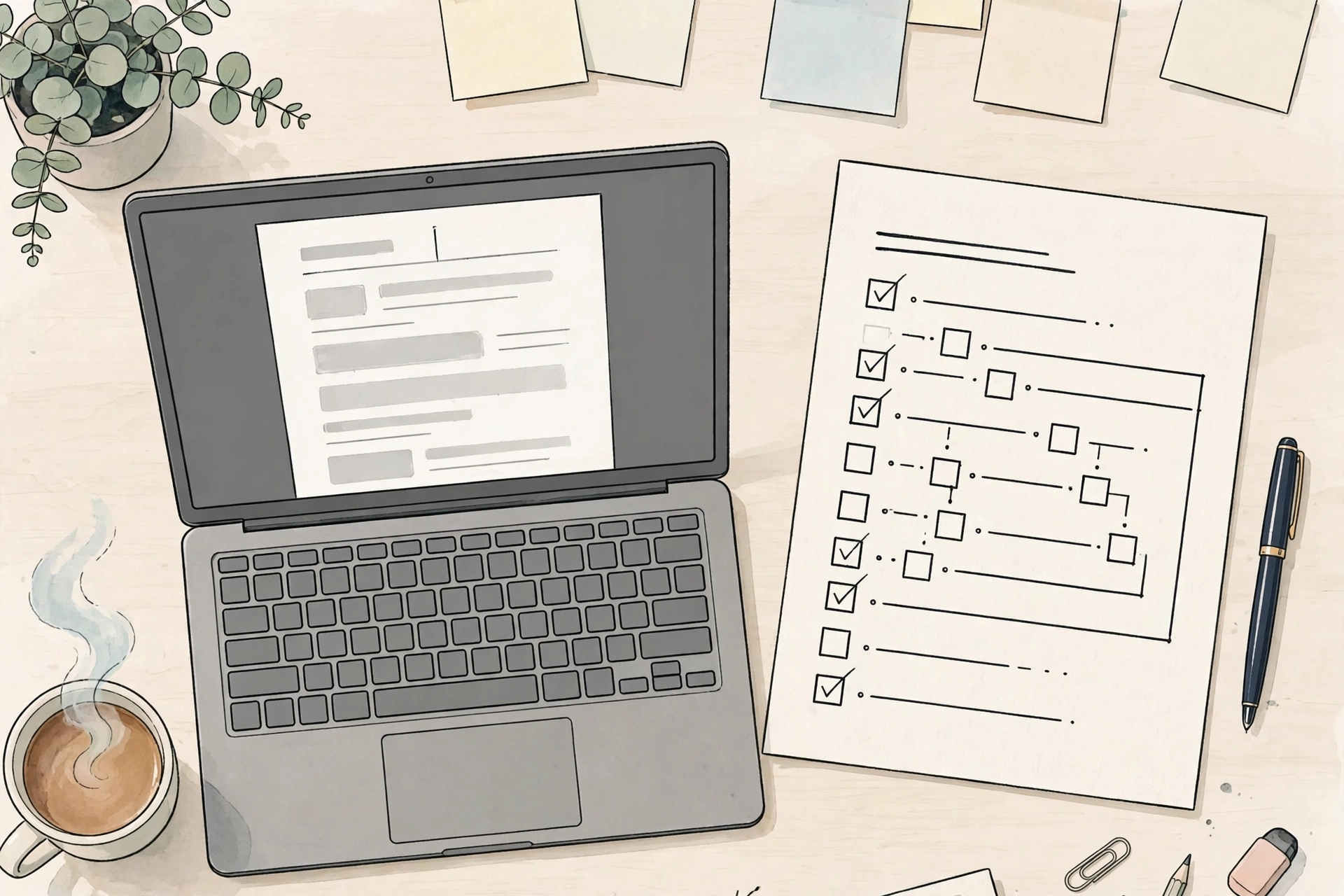
Step 8: Your first 30 days — a realistic checklist
- Days 1–3: Choose your topic, name, platform, domain, and hosting. Install WordPress and the essential pages.
- Days 4–7: Research ten specific topics with the low-competition method. Outline your first five posts.
- Weeks 2–3: Publish two posts per week, following the SEO-friendly writing workflow. Submit your sitemap to Search Console.
- Week 4: Publish your fifth post, create your Start Here page, set up your email signup, and check Search Console for indexing status and early queries.
- Ongoing: One quality post per week, one monthly check of Search Console queries in positions 8 to 20, and one strengthening pass on the page closest to page one.
Set expectations honestly: most bloggers need six to twelve months of consistent publishing before traffic becomes meaningful, and a year or two before income does. Blogs reward a clear niche, real expertise, and patience — not launch-day tricks.
Common beginner mistakes
- Choosing a topic because it “makes money,” not because you can sustain it. Monetization follows an audience; an audience follows sustained, useful writing.
- Obsessing over design before publishing. Readers come for answers, not themes. Launch plain and improve.
- Targeting broad phrases first. Win specific questions, earn history and links, and let broader topics follow.
- Publishing without Search Console. If you never check indexing and queries, you are flying blind. The reports are free and they are your best editorial feedback.
- Quitting at week six. The blogs that make it are rarely the most talented at launch; they are the ones still publishing in month six.
Frequently asked questions
How much does it cost to start a blog?
A domain and shared hosting typically cost a few dollars a month on introductory terms, with higher renewal rates — check the checkout total, not just the headline price. WordPress itself is free. You can start properly on a small budget; you do not need premium themes or tools on day one.
Do I need to be a writer or a technical expert to start a blog?
No. You need a topic you understand well enough to answer real questions about, and the willingness to learn the basics — writing clearly, structuring a post, and checking Search Console. Both are learnable in your first month.
How long until my blog gets traffic?
For most new blogs, expect the first meaningful search traffic after several months of consistent, specific, useful publishing — commonly six to twelve months for steady growth. Early traffic will come from promotion and your email list while search visibility builds.
Start with a topic you can sustain, build on a platform you own, publish specific answers to real questions, and make sure Google can find them. That is the whole plan — and it is enough.