Quick answer
“Crawled — currently not indexed” means Googlebot fetched your page but Google decided, for now, not to add it to its search index. It is not an error message, not a penalty, and not a manual action. The fix is almost never to press “Request indexing” again on an unchanged page. First work out whether the page deserves to be indexed at all, then — only for pages that do — improve what makes it distinct, fix any canonical or blocking problem, strengthen its internal links, and only then ask Google to look again. Indexing is never guaranteed, even after a fix.
Where this status lives, and what it is not
You will find it in Search Console under the Page indexing report, in the “Why pages aren’t indexed” section. Clicking the reason shows example URLs. For one URL, the URL Inspection tool shows its current status and the last crawl information.
Three nearby statuses are easy to confuse, and they call for different responses:
- Discovered — currently not indexed: Google knows the URL exists, usually from a sitemap or a link, but has not fetched it yet. This is often a waiting and prioritisation problem, not a content verdict.
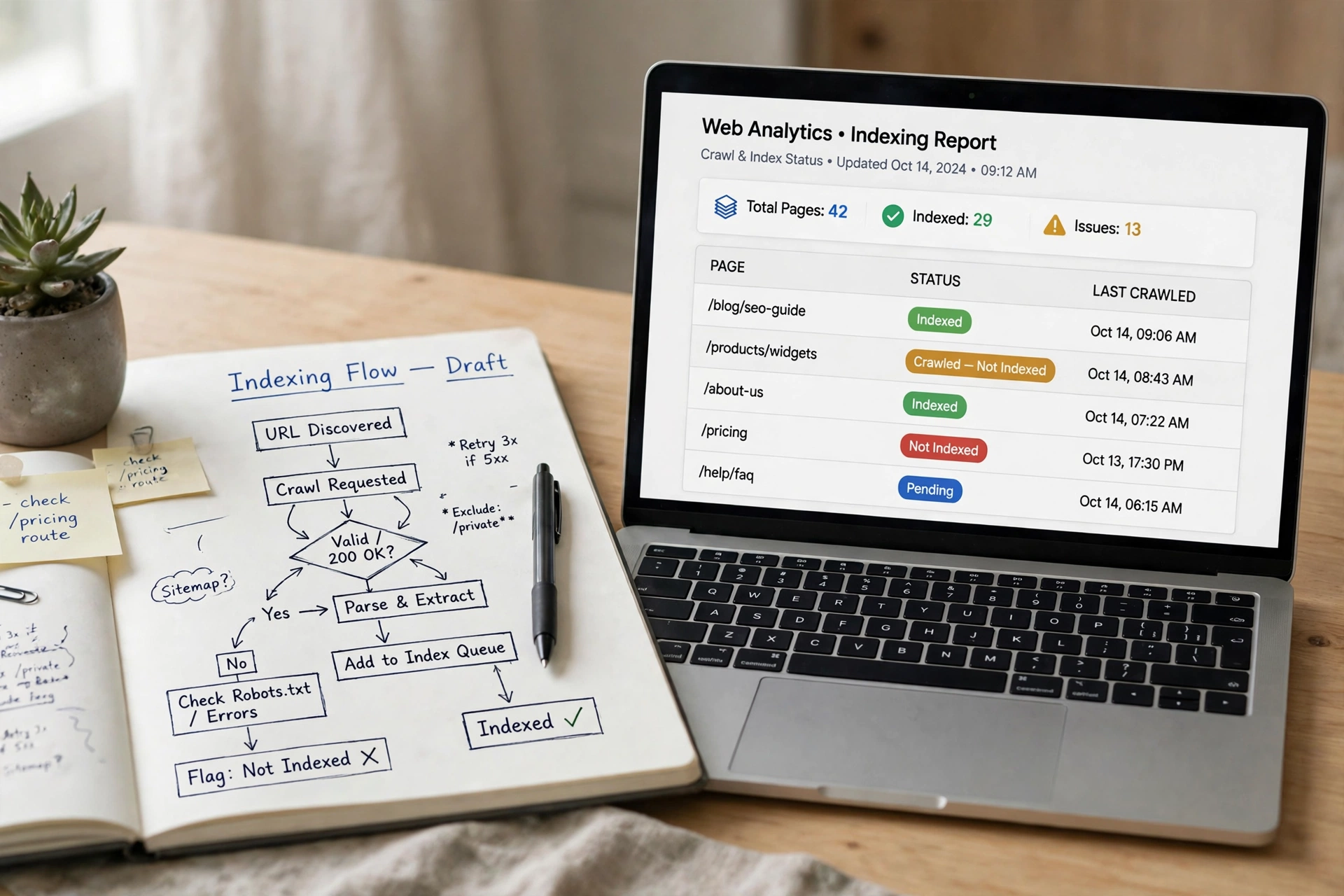
- Crawled — currently not indexed: Google fetched the page and set it aside. This article is about this status.
- Indexed: Google stored the page so it can be retrieved for a search. Indexed is not the same as ranking well, and it is not the same as getting traffic.
A page can therefore pass the crawl stage, fail the indexing decision, and never reach the stage where it can appear as a result. Treating a crawl as proof of indexing is the most common misunderstanding here.
Step 1: Confirm the status is current
Search Console reports can lag behind reality. Before changing anything:
- Open the affected URL in URL Inspection.
- Run a live test if the stored result looks stale.
- If the live test now says the page is indexed, or shows a crawl error instead, work from the live result — the old report entry may simply be out of date.
- Note the group, not just one URL. Export or list the affected URLs and group them by type: blog posts, category pages, tag pages, author pages, filtered or parameter pages, attachment pages, and old pages you no longer maintain. One fix rarely fits every group.
If you only have a handful of affected URLs, check them one by one. If you have hundreds, the pattern matters more than any single URL.
Step 2: Triage by pattern, not by panic
Almost every site has some URLs in this group, and many of them should never be indexed. The table below is the core of the fix: decide the group first, then act.
| URL pattern | Most likely reading | Sensible response |
|---|---|---|
| Tag, category or archive pages with little unique text | Google sees near-duplicates of content already indexed elsewhere on your site | Add a noindex where the page genuinely adds no search value, or give it real, distinct content and links if it should rank |
| Several pages covering the same topic in almost the same words | Google clustered them and kept one version | Merge the weaker pages into the strongest one and redirect the old URLs to it, or rewrite each so it answers a different question |
| A new post with thin, generic content | The page was fetched but judged to add little that is not already available | Add original detail: worked examples, a decision the reader can make, answers to follow-up questions, or evidence from your own work — not just more words |
| A page whose canonical tag points elsewhere | You told Google to index a different URL | Point the canonical at the page itself, unless you genuinely want the other page indexed instead |
| A page with a noindex tag, or a noindex header, left over from staging | The page is telling Google not to index it | Remove the directive only if the page is meant to be public and indexed |
| A page that renders almost empty for the crawler | Scripts, blocked resources or a rendering failure left Google with a shell | Check what the crawler actually received, not just what you see in your browser, and fix the blocking resource or rendering problem |
| A page that returns a success code but says nothing is there | A soft 404: an empty search result, an exhausted filter, or a placeholder page | Either give it real content or let it return a proper not-found response; do not redirect it to an unrelated page |
| Old URLs for deleted or replaced content | Google is still finding addresses you no longer maintain | Redirect to the closest matching live page where one exists; otherwise let them go, and clean up the links and sitemap entries that still point to them |
The honest question for each group is: would a searcher be better off landing on this page than on the page Google already indexed? If the answer is no, merging, redirecting or noindexing is a fix, not a defeat.
Step 3: Fix the page, in this order
Work through these checks for pages you do want indexed:
- Make it distinct. Compare the page with the pages that already rank for the same query, and with your own similar pages. What does this page say, show or decide that no other page already does? If you cannot answer that in one sentence, that is the work to do first.
- Check the canonical. It should point to the page itself. A canonical pointing elsewhere is an instruction to index the other page, and Google will usually follow it.
- Check for blocking directives. Look for a noindex meta tag and for an X-Robots-Tag header. Staging settings sometimes reach production, so check even when you are sure there is none.
- Check what Google received. Use URL Inspection to see the rendered page, not just your source code. If the rendered version is empty or broken, fix rendering before worrying about content.
- Strengthen internal links. A page linked only from a sitemap is treated as unimportant. Link to it from related pages that are already indexed, using descriptive anchor text that says what the page is about. Do not add the same link to every page on the site.
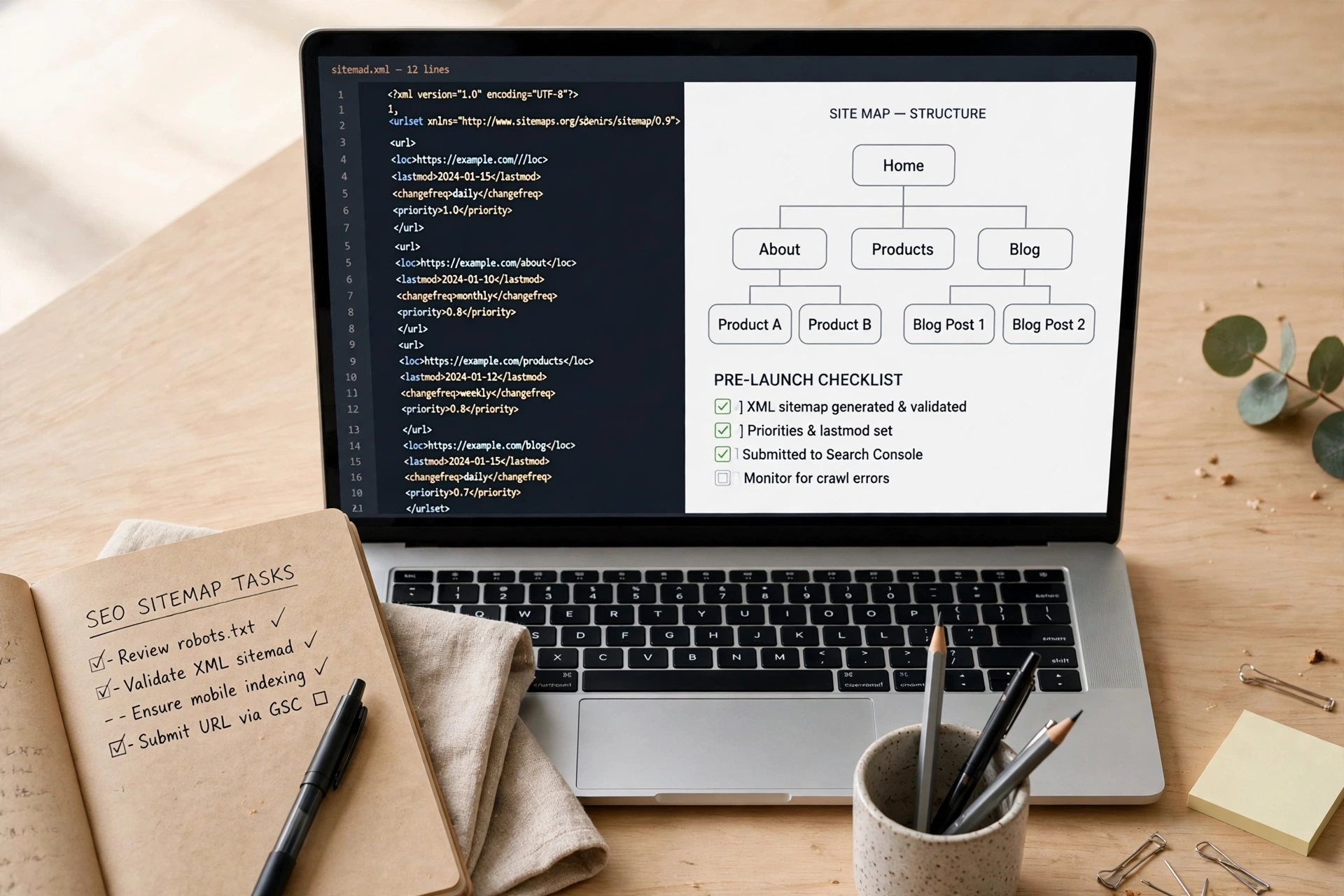
- Clean the sitemap around it. The sitemap should list the page with an accurate last-modified date, and should not list redirected, noindex or error URLs alongside it. A sitemap is a hint about importance; a sitemap full of low-value URLs weakens that hint. (See the sitemap guide linked above for the submission and audit steps.)
- Request indexing once, after the change. In URL Inspection, request indexing only after you have changed the page. Requesting indexing on an unchanged page adds nothing, and repeated requests do not force Google to index a page it has already judged.
When to do nothing — yet
Doing nothing is the right response in several common cases:
- The page is brand new and was only crawled recently. Indexing decisions take time, and a fresh page in this group may move on its own.
- The affected URLs are feeds, parameter variants, or internal pages you never intended for search. Leave them out of your sitemap and, where appropriate, noindex them — do not try to force them in.
- You have just fixed a page. Wait for a recrawl before judging the fix, and resist requesting indexing again and again in the meantime.
- The page is a duplicate by design, such as a print or filtered view. The canonical version is the one that should be indexed.
What not to do
- Do not resubmit the sitemap repeatedly for the same unchanged pages. That does not change the indexing decision.
- Do not request indexing for every URL in the report in one sitting without fixing anything first. It queues recrawls; it does not change the verdict on thin or duplicate pages.
- Do not redirect every unindexed URL to your homepage. That sends searchers and Google to an unrelated page and teaches nothing.
- Do not rewrite a page by padding it. Length is not the test; distinct usefulness is.
- Do not treat this status as a penalty or look for a manual action to remove. There is none attached to this status.
A short checklist you can reuse
- Status confirmed as current in URL Inspection, not just in an old report
- Affected URLs grouped by type, not treated as one problem
- Pages that should not be indexed identified and handled (noindex, merge, or redirect)
- Remaining pages made distinct, with a one-sentence answer to “why this page?”
- Canonical, noindex and rendering checks passed
- At least one strong internal link from a related, indexed page
- Sitemap cleaned of redirected, noindex and error URLs
- Indexing requested once, after the change — then left alone to be recrawled
Frequently asked questions
Does “Crawled — currently not indexed” mean my site is penalised?
No. It is a selection decision about one page, not a penalty against the site, and no manual action is attached to it.
Will requesting indexing fix it?
Only as the last step after a real change. The request asks Google to crawl again; it does not guarantee indexing, and it does not change the page Google evaluates.
How long should I wait before changing a page?
For a new page, give it time to be evaluated before assuming a problem. For an older page that has sat in this group while similar pages were indexed, the pattern — thin, duplicate, weakly linked or blocked — is worth investigating now.
Should every page on my site be indexed?
No. Tag pages, feeds, parameter variants and internal pages often should not be. A smaller, cleaner index usually serves a site better than forcing every URL in.
Is this the same as “Discovered — currently not indexed”?
No. “Discovered” means Google has not fetched the URL yet; “Crawled” means it fetched it and decided not to index it for now. The first often needs time, links and a clean sitemap; the second needs a better page, a fixed directive, or a decision that the page should not be a separate page at all.
Where this fits on BlogPress
This guide sits between the broader indexing workflow and the sitemap guide: start with how to get a website indexed, use the sitemap guide to submit and audit your sitemap, and use this guide when Search Console reports the exact “Crawled — currently not indexed” status. If your site is not appearing in search at all, the broader “not showing up on Google” guide is the better starting point, because the cause may be earlier in the chain than this status.