A VPN is one of the most advertised tools on the internet, and one of the most misunderstood. Ads promise total privacy and total anonymity. The reality is narrower — and more useful once you understand it. A VPN does one specific job well: it encrypts your internet connection and hides your IP address from the websites you visit. Everything else people expect from it, it does not do.
This guide explains what a VPN actually does, what it does not do, who genuinely needs one, and how to pick a trustworthy provider if you decide to get one.
What Is a VPN?
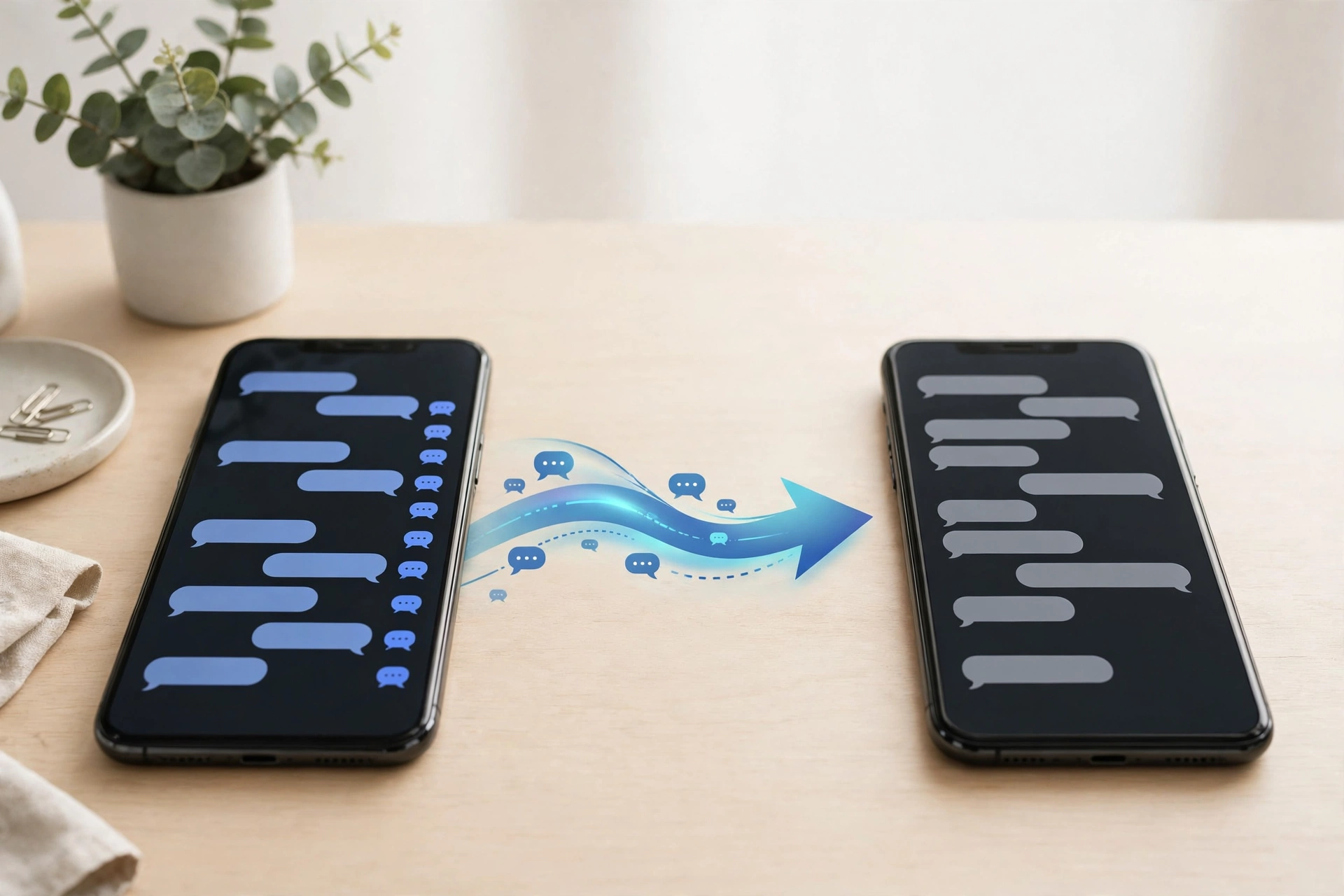
A VPN — virtual private network — is a service that creates an encrypted connection, often called a tunnel, between your device and a server run by the VPN company. Your internet traffic travels through that tunnel before it reaches the wider internet.
Without a VPN, your device connects to websites directly through your internet provider. Your provider can see which sites you visit, and the Wi-Fi network you are on can see your traffic too. With a VPN, the network and your provider see only an encrypted connection to the VPN server. Websites you visit see the VPN server’s IP address, not yours.
Think of it as a private courier: instead of sending postcards anyone along the route can read, you put your letters in a sealed envelope and hand them to a courier who delivers them for you. The courier still knows where the letters are going — the trust has moved, not disappeared.
What a VPN Actually Does
- Encrypts your traffic on untrusted networks. On café, hotel, and airport Wi-Fi, a VPN scrambles your traffic so anyone else on the network cannot read it.
- Hides your IP address from websites. Sites see the VPN server’s address instead of yours, which makes it harder for them to pin your location or link your visits to your home connection.
- Hides which sites you visit from your internet provider. Your provider sees a connection to the VPN server, not a list of the sites you visit.
- Lets you appear in another location. Connecting to a server in another country makes websites treat you as if you were browsing from there.
What a VPN Does Not Do
This is the part the ads skip:
- It does not make you anonymous. If you log in to Google, Facebook, or Amazon, those companies still know who you are. Cookies and browser fingerprinting keep working. Hiding your IP address is not the same as being anonymous.
- It does not stop phishing, malware, or scam texts. Most account break-ins start with a phishing page, a leaked password, or a scam message, and a VPN stops none of those. For that, you need the habits in our guides on how to spot a phishing email and how to spot a fake text message.
- It does not replace antivirus or strong passwords. A VPN protects traffic in transit. It does nothing about a malicious download or a weak password.
- It does not remove the need to trust someone. A VPN moves your trust from your internet provider to the VPN company. If the provider keeps logs of your activity or sells your data, you may be worse off than without one.
Do You Need a VPN? Situation by Situation
Most people do not need a VPN for everyday home browsing. Nearly every website and app now uses HTTPS encryption, which already protects your logins and card numbers between your browser and the site. Here is how the decision breaks down:
- You use public Wi-Fi often — yes. Airports, hotels, cafés, and coworking spaces are the clearest case. The FTC notes that public Wi-Fi is usually safe today because of widespread encryption, but a VPN adds a layer on networks you do not control, protecting traffic that is not encrypted and hiding which sites you visit.
- You travel abroad — often yes. A VPN helps on unfamiliar networks and in places where you want your home services to keep working as usual.
- You work remotely and your employer requires one — yes. A corporate VPN routes your traffic through company security controls. That is not optional; it is part of the job.
- You want your internet provider not to see the sites you visit — maybe. This is a privacy preference, not a security emergency, and it is a legitimate reason to pay for one.
- You mostly browse, bank, and shop at home on your own Wi-Fi — probably not. Your home network is yours, your sites use HTTPS, and a VPN adds little. A strong Wi-Fi password and an updated router do more for you here.
- You want to stay anonymous online — a VPN alone will not do it. Anonymity needs a different set of tools and habits, and logging in to your usual accounts defeats it anyway.
How to Choose a Trustworthy VPN
If you decide to get one, the provider matters more than the price. A bad VPN is worse than no VPN, because it sees all your traffic. Look for these signs:
- An independent no-logs audit. Reputable providers publish audit reports from independent firms — for example, NordVPN has completed multiple Deloitte no-logs assessments, and Proton VPN publishes annual audits. A provider that only claims “we don’t log” without evidence is asking you to take its word for it.
- Transparent ownership and pricing. You should be able to find out who runs the company and what the renewal price is, not just the introductory deal. Long plans often start at about $2 to $3.50 a month but renew higher — check the renewal line at checkout.
- A kill switch. This blocks all internet traffic if the VPN connection drops, so your real IP address is never exposed by accident.
- Apps for your devices. A VPN only protects the devices it runs on. Make sure it covers your phone and laptop, not just one of them.
Free VPNs: Be Careful
A VPN costs money to run — servers, bandwidth, staff. A free VPN has to pay for itself somehow, and the usual answer is advertising or your data. There are a few trustworthy exceptions: Proton VPN’s free plan has no data cap and runs on one device, and Windscribe offers a free tier with a 10 GB monthly allowance. Both are from companies with paid products and published audit reports.
Skip unknown free VPNs, especially ones that promise unlimited everything for free. If a service has no visible way of making money, your data is the product.
Setting One Up Takes Five Minutes
Pick a provider, create an account, install its app on your devices, sign in, and connect to a server near you for the best speed. Turn on the kill switch in the settings. That is the whole setup. Connect automatically on public Wi-Fi if the app offers that option, and leave it off at home if you do not need it.
Frequently Asked Questions
Is using a VPN legal?
Yes, in the US and most countries. Businesses use VPNs every day. A VPN is a privacy tool; using it for illegal activity is still illegal, and the VPN does not change that.
Does a VPN slow down my internet?
Somewhat, yes. Encryption and routing through another server add overhead. A good provider on a nearby server usually costs you a small, barely noticeable amount of speed. Connecting to a server on the other side of the world costs more.
Do I need a VPN on my phone?
Your phone uses public Wi-Fi more than your laptop does, so it benefits more. If you get a VPN, install it on your phone first.
Can my employer see what I do on a work VPN?
Yes — that is the point of a corporate VPN. Traffic on a work VPN goes through company systems, and the company can monitor it. Do not use a work VPN for personal browsing you want kept private; use your own connection for that.
Will a VPN protect me on public Wi-Fi?
It adds a real layer of protection, especially for traffic that is not already encrypted. It is worth pairing with the other habits in our guide to public Wi-Fi safety, and with two-factor authentication on your important accounts.
The Bottom Line
A VPN encrypts your connection and hides your IP address, which is genuinely useful on public Wi-Fi, while traveling, and for privacy from your internet provider. It is not antivirus, it does not make you anonymous, and it requires trusting the provider. If you decide you want one, choose an audited provider with transparent pricing, and keep using antivirus and strong passwords alongside it.