
Passkeys vs Passwords: Which Is More Secure?
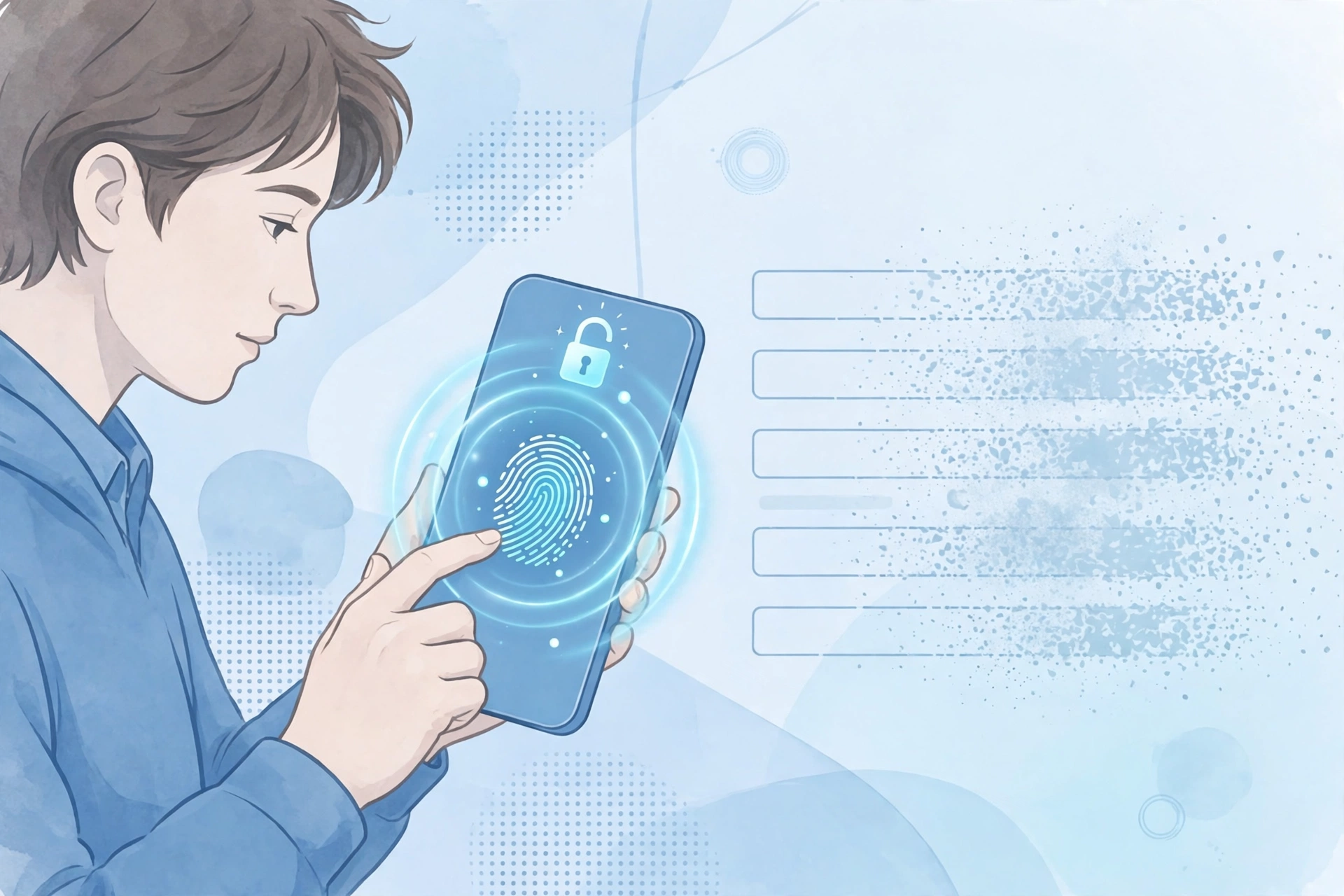
Passwords have guarded our accounts for decades, and they have failed at the job for almost as long. They get phished, guessed, reused, and spilled in breaches by the billions. Passkeys are the industry’s answer: instead of a secret you memorize and type, your device holds a cryptographic key and proves who you are with your fingerprint, face, or PIN.
The short answer is that passkeys are more secure than passwords in almost every way that matters. The longer answer is that passwords are not going away tomorrow, and passkeys still have rough edges around recovery and moving between devices. This guide compares both honestly, so you can decide what to switch on your own accounts today.
What a passkey actually is
A passkey is a pair of cryptographic keys created for one specific website or app. The private key stays on your device and never leaves it. The public key is stored by the website. When you sign in, the site sends your device a challenge, your device signs it with the private key, and you approve the signing with your fingerprint, face, or device PIN.
There is nothing to memorize, nothing to type, and — crucially — no shared secret. A password is a shared secret: the same string you type is the string the server checks, which is why it can be stolen, guessed, or leaked. A passkey has no such string. The technology is built on the FIDO2 and WebAuthn standards, backed by Apple, Google, Microsoft, and the FIDO Alliance, and it works natively on every major operating system in 2026.
Passkeys vs passwords: head-to-head
| Factor | Passwords | Passkeys |
|---|---|---|
| Phishing resistance | No — a fake login page can capture what you type | Yes — the key is bound to the real domain and will not work on a lookalike |
| Reuse risk | High — most people reuse passwords across sites | None — every passkey is unique to one site |
| Brute-force risk | Depends on length and complexity | No guessable string exists to attack |
| Breach exposure | Server stores a password hash that can be cracked | Server stores only a public key, useless without your device |
| Memorization | Required, and humans pick weak ones | None — unlocked by biometrics or PIN |
| Login success rate | About 63%, per the FIDO Alliance’s 2026 Passkey Index | About 93%, per the same index |
| Recovery if you lose your device | Password reset by email | Depends on your synced vault and the site’s recovery options |
| Moving to another platform | Copy and paste, or export from a manager | Improving, but still uneven between providers |
Round 1: Phishing resistance — passkeys win, and it is not close
Phishing is the attack that defeats passwords most often. A convincing fake login page asks for your password, you type it, and the attacker has it. Our guide to spotting phishing emails covers the warning signs, but even careful people get caught when they are tired or rushed.
A passkey cannot be typed into a fake page. The credential is cryptographically bound to the exact domain that created it, so a phishing site impersonating your bank simply cannot trigger a valid signature for your real bank. This protection is structural, not behavioral: it works even when you are distracted.
It is also why passkeys defeat credential stuffing. There is no password to steal in a breach and reuse elsewhere, because the server never holds one. According to the FIDO Alliance’s State of Passkeys 2026 report, more than 19 billion passwords were exposed in data breaches between April 2024 and April 2025 alone, and 61% of people still reuse passwords across multiple accounts. Passkeys remove the shared secret that phishing, credential stuffing, and data breaches all depend on.
Round 2: Convenience — passkeys win for everyday sign-ins
Signing in with a passkey usually means one tap and a fingerprint or face scan. No typing, no password manager lookup, no “I forgot my password” loop. The FIDO Alliance’s Passkey Index 2026 found passkey sign-ins succeed about 93% of the time versus about 63% for passwords, and run nearly three times faster.
Passwords, by contrast, punish you for doing the right thing. A strong, unique password for every account is effectively impossible to memorize, which is why a password manager is still essential for the accounts that do not yet support passkeys. See our guide to creating strong passwords and storing them safely for the method that actually works.
Round 3: Recovery and lockout — passwords still win here
This is the honest weak spot for passkeys. If you lose the only device holding a passkey and you have no synced copy, you can be locked out of the account. Hardware security keys make this worse in one specific way: a passkey stored on a hardware key cannot be backed up at all — it can only be created or deleted.
Two things soften the problem. First, most people today use synced passkeys stored in a cloud vault — Apple Passwords (iCloud Keychain), Google Password Manager, or a password manager such as 1Password or Bitwarden — so a lost phone does not mean a lost passkey, as long as you can sign in to the vault on a new device. Second, most sites that offer passkeys still offer a fallback recovery path, usually email-based, so you are rarely locked out permanently.
But note the catch: your account’s real security is set by its weakest recovery method, not its strongest login. If a site lets an attacker bypass your passkey with an SMS code or a weak email reset, the passkey’s protection is partly undone. When you set up a passkey, check the account’s recovery settings too, and remove recovery methods you do not need.
Round 4: Portability — passwords win, but the gap is closing
A password is a string of text. You can copy it anywhere. A passkey is a private key that, by design, resists being copied — which is a security feature that becomes a headache when you switch password managers or platforms.
The FIDO Alliance published draft specifications in late 2024, the Credential Exchange Protocol (CXP) and Credential Exchange Format (CXF), designed to let you move passkeys between providers securely. Adoption is uneven so far: Apple shipped CXP support in its Passwords app with iOS 26, and Bitwarden’s export includes passkeys, while some other providers still offer no passkey export at all. Before you commit your most important accounts to one passkey provider, check that you can get your passkeys out again.
Where each one fits: a practical recommendation
Use a passkey wherever a site offers one, starting with your most valuable accounts: your primary email, your password manager itself, your bank, and your cloud storage. These are the accounts whose compromise causes the most damage, and passkeys protect them against exactly the attacks that succeed most often.
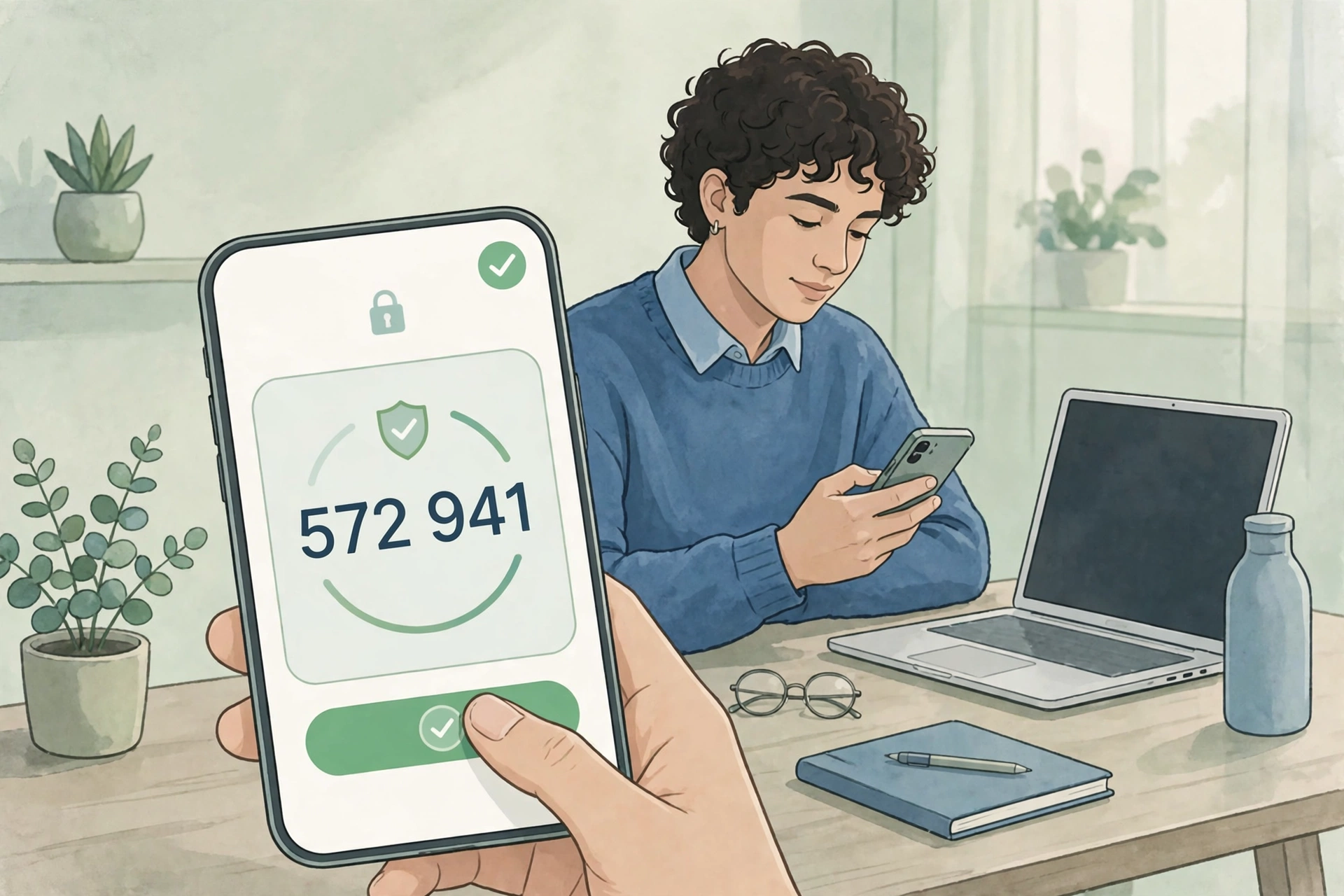
Keep strong, unique passwords everywhere passkeys are not offered yet, stored in a password manager — and turn on two-factor authentication on those accounts. Our guide to enabling two-factor authentication walks through the setup for Google, Apple, Microsoft, and your bank, including how to save backup codes so a lost phone never locks you out.
Do not delete your passwords the moment you add a passkey. Keep the password as a backup sign-in method until you are confident the passkey works on all your devices and you have a tested recovery path. For shared or legacy accounts, and for any service that does not support passkeys, a long unique password plus two-factor authentication remains the right answer.
What to do today
- Turn on passkeys for your primary email account first — it controls password resets for everything else.
- Add passkeys to your password manager, bank, and cloud accounts next.
- Make sure your passkeys sync through a vault you can recover (iCloud Keychain, Google Password Manager, or a password manager with cloud sync), and confirm you can sign in to that vault from a second device.
- Save each account’s recovery codes or backup method somewhere safe, and remove weak recovery options you do not need.
- Keep using strong, unique passwords — managed by a password manager — for everything that does not support passkeys yet.
The bottom line
Passkeys are more secure than passwords: they cannot be phished, guessed, reused, or leaked in a server breach, and they are faster to use. Their real weaknesses are recovery and portability, and both are improving as synced vaults and cross-provider transfer standards mature. The sensible move in 2026 is not to wait for a password-free world, but to use passkeys where they are offered and keep strong passwords plus two-factor authentication everywhere else.



1 thought on “Passkeys vs Passwords: Which Is More Secure?”