
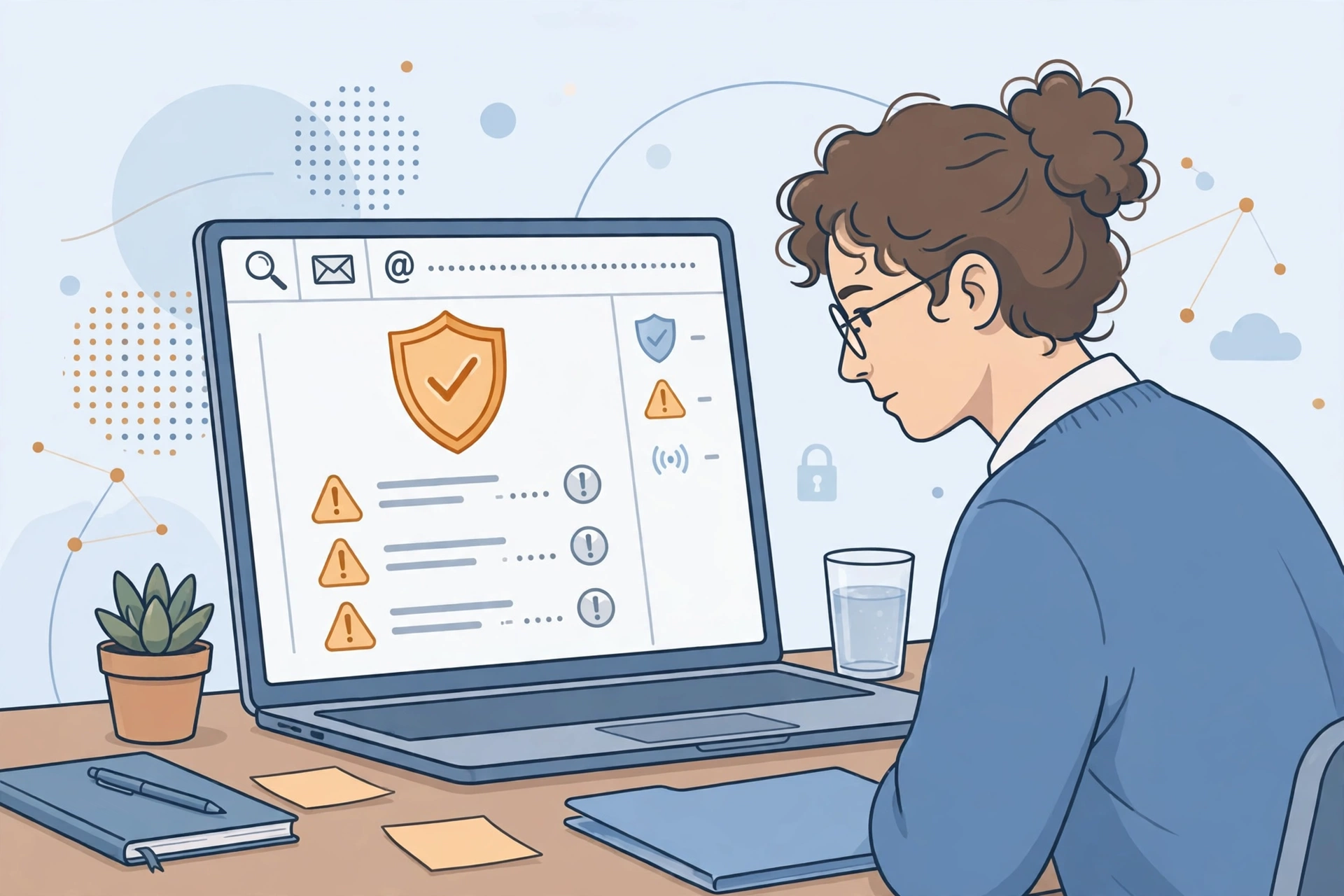
Most people have been in a data breach and do not know it. When a website you signed up for years ago gets hacked, your email address — and often your password, phone number, or address — ends up in a database that circulates online. You usually find out months later, if at all.
The good news is that checking takes about a minute, and it is free. This guide shows you how to check every email address you use, how to read the result, and exactly what to fix for each type of leaked data — because a leaked password needs a very different response from a leaked phone number.
The quickest check: Have I Been Pwned
Have I Been Pwned (HIBP) is a free breach-lookup service created by Australian security researcher Troy Hunt and running since December 2013. It collects data from known breaches and lets you search by email address to see which ones include yours. As of October 2026 it indexes more than 1,000 breached websites and about 17.8 billion breached accounts.
Here is how to use it:
- Type haveibeenpwned.com into your browser yourself. Do not click a link from an email or an ad — lookalike sites exist, and you want the real one.
- Enter one email address and press the search button. You never need to enter a password, and no account is required.
- Read the result. A green “Good news — no pwnage found” message means the address is in none of the breaches the site holds. A red “Oh no — pwned!” result lists every breach it appeared in.
- For each breach, read what was exposed. Every entry lists the company, the date of the breach, and the types of data taken — for example, email addresses, passwords, phone numbers, or physical addresses.
- Repeat for every email address you use, including old ones that still receive password resets for bank, shopping, or social accounts.
- Use the free Notify Me option so you get an email if the address appears in a future breach. You verify ownership through a link sent to that inbox.
A clean result is good news, but it is not a guarantee. HIBP only knows about breaches whose data has been found and loaded. Some breaches are marked sensitive — for example, those involving adult sites — and HIBP hides them from public searches; you only see them after verifying you own the address.
Is it safe to type your email into a breach checker?
This is a fair question, and the answer is: with the real Have I Been Pwned, the risk is low. According to the site’s FAQ, searches are not logged, and when a breach is loaded, passwords are stored separately from email addresses — they are never kept next to them. The site also never shows anyone your actual leaked data, only which breaches your address appeared in and what types of data each one exposed.
Two rules keep the check safe. First, only use the real site by typing the address yourself; a lookalike breach checker is itself a way to harvest email addresses. Second, never type a password into a breach-check site. HIBP has a separate Pwned Passwords page where you can test a single password, and it uses a technique called k-anonymity, so the full password never leaves your browser — but as a habit, only ever type a password into the site it belongs to.
Two more free checks worth running
Your password manager’s breach check. If you use a password manager, it can check your saved logins against known breaches. Google Password Manager has a Password Checkup at passwords.google.com, and Apple’s Passwords app has a Security section that flags compromised, reused, and weak passwords. These answer a different question from HIBP: not “was my email in a breach?” but “which of my saved passwords have leaked?”
Mozilla Monitor. Mozilla’s free Monitor service (monitor.mozilla.org) also lets you check an email address against known breaches and sign up for alerts. Its free scans continue to run; only the paid Monitor Plus tier closed, in December 2025.
One check to drop from older guides: Google’s dark web report. Google stopped running new scans in January 2026 and removed the tool in February 2026.
What to do for each type of leaked data
A breach is not one emergency — it is several different problems depending on what leaked. Work through the list by data type, starting with the most dangerous.
Passwords were exposed
This is the most urgent case. Change the password on the breached site immediately, and change it everywhere else you reused the same password — that is exactly how credential-stuffing attacks work. Make the new passwords long and unique, ideally generated and stored by a password manager. Our guide to creating strong passwords walks through the method. Then turn on two-factor authentication on the affected accounts; our two-factor authentication guide covers the setup.
Email address only
If only your address leaked, the main risk is phishing and spam. Expect more convincing scam emails, because attackers now know which services you use. Be extra skeptical of messages claiming to be from those services, and never click a password-reset link you did not request. Our phishing guide shows the twelve warning signs to check before acting on any email.
Phone number leaked
Expect more spam calls and text-message scams, including fake delivery notices and bank alerts. Do not click links in unexpected texts. In the US, you can also ask your mobile carrier to add a port-out PIN or transfer lock so a stolen number cannot be moved to an attacker’s SIM.
Physical address or date of birth leaked
This combination is useful for identity theft, because it helps an attacker answer security questions or impersonate you to a company. Be cautious about any unexpected contact claiming to be your bank or a government agency, and consider a credit freeze if financial data was involved too. In the US, you can freeze your credit for free at Equifax, Experian, and TransUnion; a freeze stops new accounts being opened in your name until you lift it.
Payment card data leaked
If card numbers were exposed, contact your bank or card issuer, watch your statements closely, and ask for a replacement card. A credit card gives you stronger dispute rights than a debit card, and your issuer can usually reverse fraudulent charges.
What a breach check cannot tell you
Searching a breach database only tells you about the past. It cannot tell you whether someone is inside one of your accounts right now, and it cannot tell you about breaches that have not been discovered or published yet. That is why the follow-up steps matter more than the check itself: unique passwords, two-factor authentication, and breach alerts turn a one-time lookup into ongoing protection.
Also remember that no service can un-leak your data. Anyone who offers to remove your information from breach databases for a fee is selling something that does not exist. Spend the effort on passwords, two-factor authentication, and alerts instead.
A simple routine to stay ahead of breaches
- Check every email address you own at Have I Been Pwned today, including old ones.
- Change every breached or reused password, starting with your email account — it controls password resets for everything else.
- Turn on two-factor authentication or a passkey on your email, bank, and cloud accounts.
- Sign up for Have I Been Pwned’s free Notify Me alerts on each address, or set up Mozilla Monitor.
- Re-check your saved passwords with your password manager or Google Password Checkup every few months, and repeat the email check whenever you hear about a major breach in the news.
Finding out your email was in a breach is unsettling, but it is also useful information. Most breaches are old, most leaked passwords are already circulating, and the fix — unique passwords, two-factor authentication, and alerts — protects you against the next breach too.


1 thought on “How to Check Whether Your Email Was in a Data Breach”