
Introduction
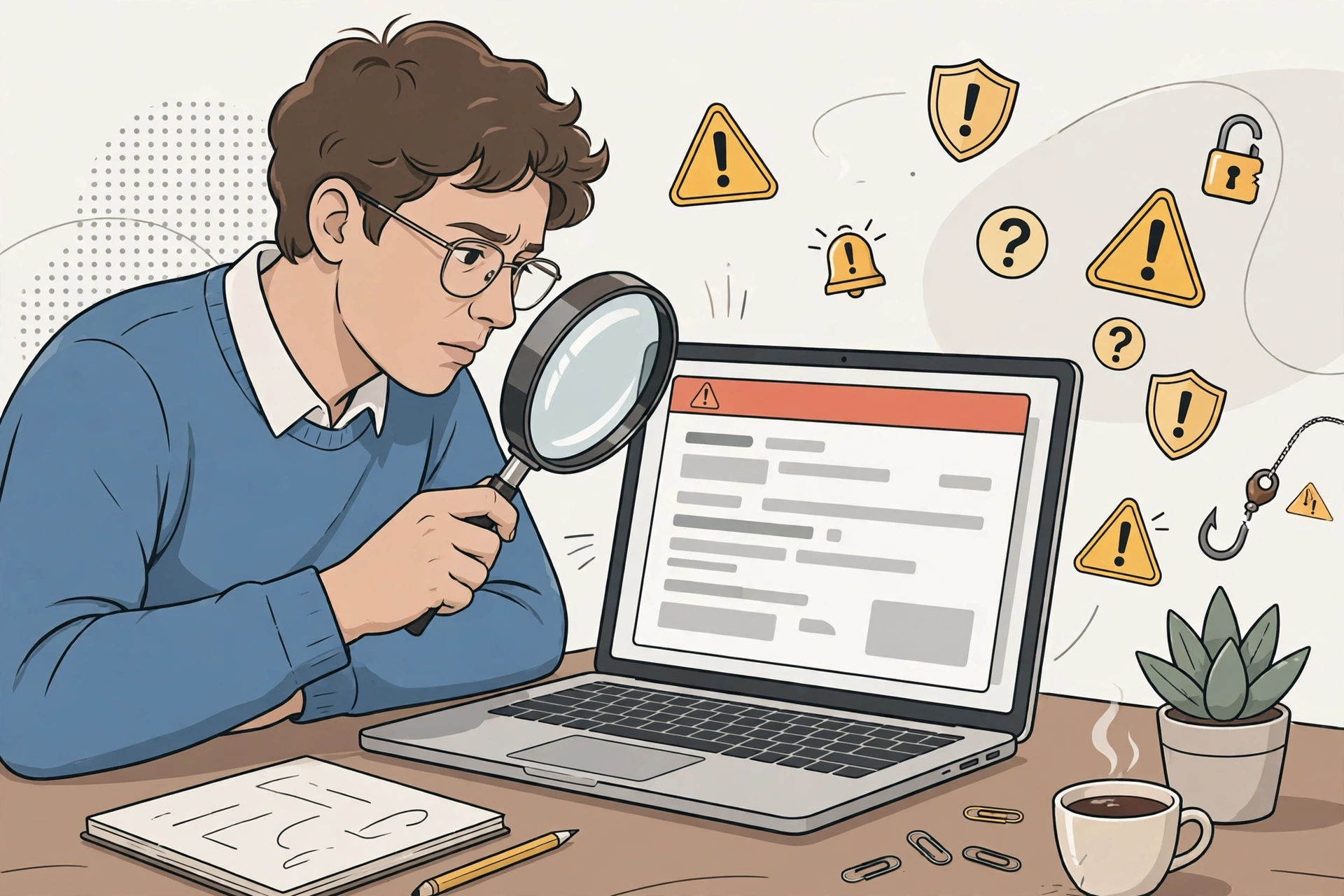
A phishing email pretends to come from someone you trust — your bank, a delivery company, your boss — to get you to click a link, open an attachment, or hand over a password or payment details. The messages keep getting more convincing: with AI-written text, perfect spelling and a real-looking logo no longer prove an email is genuine.
No single sign proves an email is a scam. The method that works is to slow down and check several things before acting: who really sent it, where its links really go, and whether the request is one a real company would ever make by email. Here are 12 warning signs, grouped so you can run through them in under a minute.
The pressure tactics: signs 1–5
Scammers use the same persuasion tricks again and again. The UK’s National Cyber Security Centre groups them into five tactics, and a genuine email rarely leans on several at once:
1. Urgency. “Act within 24 hours or your account will be closed.” Real companies give you time; scammers want you to act before you think.
2. Authority. The message claims to be from your bank, a government office, a lawyer, or your manager. Authority alone is not proof — check the sender address, not the display name.
3. Emotion. It is written to make you panic (“suspicious activity on your account”), feel hopeful (“you have won a refund”), or curious enough to click.
4. Scarcity. Something is in short supply: a limited refund window, tickets, or an offer that expires today.
5. Current events. It piggybacks on the news — tax deadlines, a delivery surge, a big event — so the story feels plausible.
The simplest rule: if a message makes you feel you must do something right now, that feeling is the scam working. A real bank or company will still be there in ten minutes.
The detail checks: signs 6–10
6. The sender’s address doesn’t quite match. The display name can say anything. Look at the actual address behind it for misspellings and lookalike domains — for example, a retailer name with one letter swapped, or a well-known company apparently writing from a free email service. A genuine company does not send account emails from a personal mailbox.
7. Links go somewhere odd. On a computer, hover over a link without clicking to see the real destination at the bottom of the window. On a phone, press and hold to preview it. If the destination is not the company’s normal website, do not go there. Shortened links you cannot inspect are a warning sign in themselves, and QR codes in emails deserve the same suspicion — they take you to a site whose address is harder to check on a phone.
8. It asks for things a real company never asks for by email. Your full password, your PIN, a one-time code, or your card details “to confirm your account.” Legitimate companies will not email you a link to update your payment information, and they will never ask for a code you just received.
9. Unexpected attachments. An invoice you were not expecting, a “voicemail” file, or a zipped document. Attachments are a common way to deliver malware, and urgency is usually added to make you open them without thinking.
10. A generic greeting — or none at all. “Dear customer” instead of your name is a warning sign, though scammers sometimes do know your name, so a personalized greeting is not proof an email is genuine either.
The two signs people get wrong: signs 11–12
11. Perfect spelling does not clear an email. AI lets scammers write polished messages without the translation and grammar mistakes that used to give them away. Good writing proves nothing; check the sender and the links instead.
12. A real-looking logo and layout do not clear it either. Logos, colors, and footers are trivially copied. Treat design as decoration, not evidence.
Three fictional examples — and what gives each away
“Your account will be suspended in 24 hours.” The display name says your bank, but the address is a lookalike domain, the link previews to an unfamiliar site, and the message demands you “verify” your password. Three signs at once: urgency, authority, and a request no bank makes by email.
“Your parcel could not be delivered — reschedule here.” You were not expecting a parcel. The link is shortened so you cannot inspect it, and the page it leads to asks for a small “redelivery fee” by card. Unexpected delivery plus an unusual payment request is a classic pair.
“Updated invoice attached — please review urgently.” The sender’s name matches a supplier you know, but the address domain does not, and the attachment is a zipped file you did not ask for. Verify with the supplier through a contact you already have before opening anything.
How to check a suspicious email safely
- Do not click links, open attachments, reply, or call numbers in the message. Do not use an “unsubscribe” link in a suspicious email either — it can confirm your address is active.
- Contact the organization directly using details you know are correct: their official website typed by hand, a bill, or the number on the back of your bank card. Never use the contact details inside the suspicious message.
- Check the account another way. If the email claims a problem with an account, sign in through the official app or website you normally use and look for the same alert there.
- Report it, then delete it. In Gmail, use Report phishing; in Outlook, use Report, then Report phishing. In the United States, you can also report fraud at ReportFraud.ftc.gov, and in the UK you can forward suspicious emails to [email protected]. Reporting helps providers block the sender for others.
What to do if you already clicked or replied
Do not panic, but act quickly, in this order:
- If you entered a password: change it immediately on the real website, and anywhere else you used the same password. Turn on two-factor authentication if it is offered. See our guide to creating strong, unique passwords.
- If you entered card or bank details: contact your bank or card provider right away and tell them what happened, so they can watch for or block fraudulent transactions.
- If you opened an attachment: run a scan with your device’s security software, and do not enter credentials into any page the attachment opened.
- If you sent money: contact your bank immediately and report the fraud to the relevant authority — in the US, ReportFraud.ftc.gov; in the UK, Report Fraud online or on 0300 123 2040.
Then warn anyone the scammer may contact next: if your email account was involved, tell your contacts not to trust unexpected messages from you until you confirm the account is secure.
Frequently asked questions
Can a phishing email come from someone I know?
Yes. A compromised account can send phishing to its own contacts, and scammers can also spoof a familiar display name. If a message from a contact is out of character or contains an unexpected link, check with them through another channel before clicking.
Does a padlock or “https” mean a link is safe?
No. It only means the connection to that site is encrypted. A scam site can use https too. What matters is whether the domain is the real company’s domain.
Should I reply to ask if the email is real?
No. Replying confirms your address is active and can draw you into a conversation with the scammer. Contact the company separately instead.
What if only one warning sign is present?
One sign is a reason to slow down and check the others, not proof of a scam. Genuine emails can be urgent or generic by accident. Scams usually stack two or three signs at once.



1 thought on “How to Spot a Phishing Email: 12 Warning Signs and What to Do Next”