Introduction
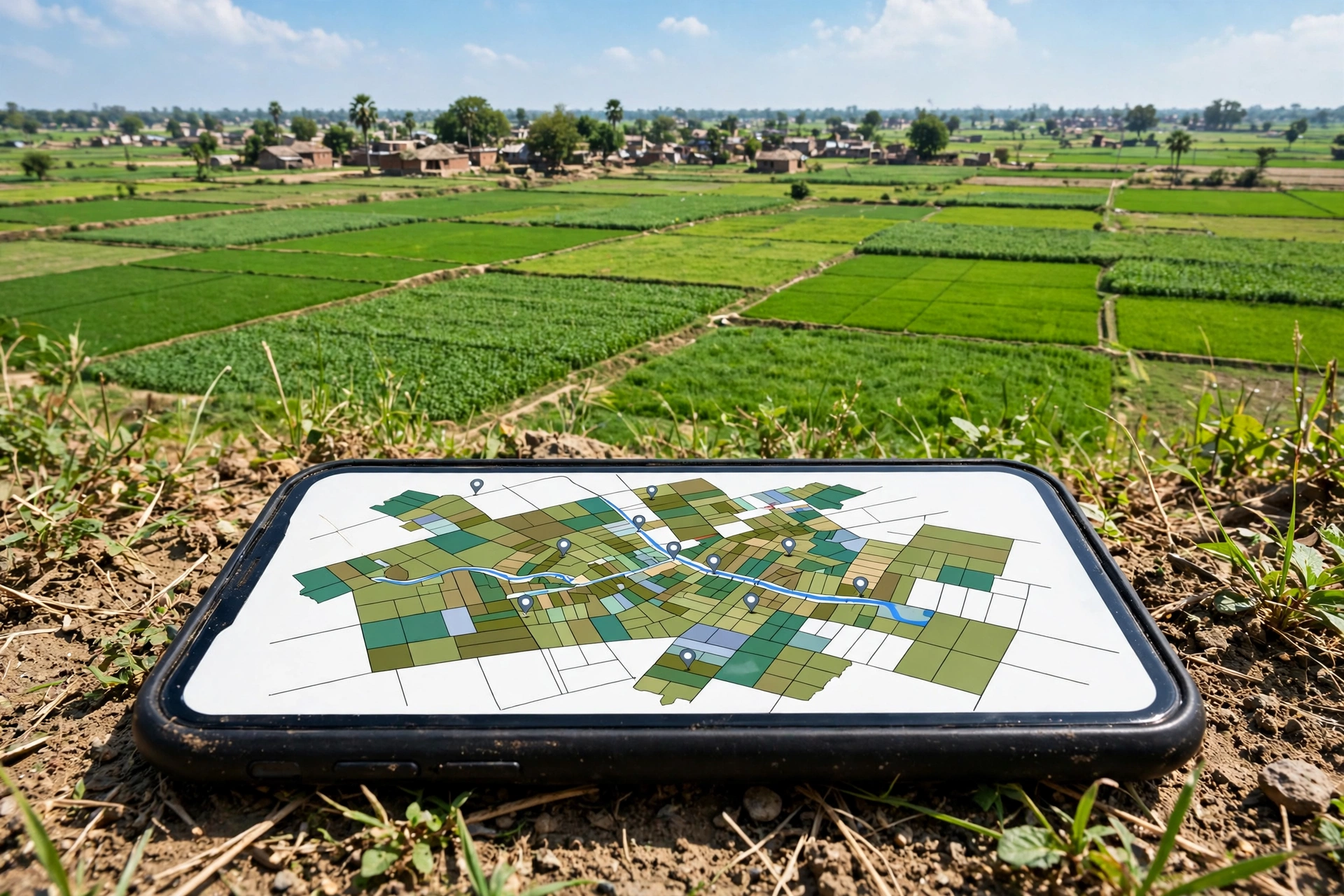
Until a few years ago, checking who owned a plot of land in Bihar meant a trip to the circle (anchal) office, a queue, and often a middleman. Today the same record is available on your phone, free, through the Bihar Bhumi portal run by the state’s Department of Revenue and Land Reforms. You can view the jamabandi (the current ownership register), search by khata or khesra number, look at the plot on the village map, track a mutation application, and pay land tax — all without leaving home.
This guide follows the current version of the official portal, biharbhumi.bihar.gov.in, as verified against the portal and current guides in November 2026. Menus and forms change over time, so if a button has moved, use the portal’s own help pages or ask at your circle office rather than trusting a third-party site. One rule matters more than any step below: only use addresses ending in bihar.gov.in. Copycat sites with similar names exist, and they are not the government.
What you can check online, and where
Bihar splits its land information across a few official portals. Knowing which one holds what saves most of the confusion:
| Record or service | What it shows | Official portal |
|---|---|---|
| Jamabandi (Register-II) | Current owner (raiyat), khata and khesra numbers, area, land type, land tax due | biharbhumi.bihar.gov.in |
| Khatiyan (survey records) | Older survey records of rights, such as CS and RS khatiyans | bhuabhilekh.bihar.gov.in |
| Bhu Naksha (land map) | Plot boundaries and khesra numbers on the village map | bhunaksha.bihar.gov.in |
| Dakhil Kharij (mutation) | Apply for and track ownership changes after a sale, gift or inheritance | biharbhumi.bihar.gov.in |
| Bhu Lagan (land tax) | Pay land revenue online and download the receipt | bhulagan.bihar.gov.in |
| Registered sale deeds | Registered deeds, searchable by party name or serial number | bhumijankari.bihar.gov.in |
| Correction of errors | Fix mistakes in the digitised jamabandi | parimarjanplus.bihar.gov.in |
The jamabandi is the record most people mean when they say “land record.” It is the live, currently valid version of the khatiyan, updated at the circle office whenever a mutation is approved. The older survey khatiyans (CS and RS) are historical records of rights from past land surveys — useful when you need the chain of ownership, but not the current position.
Before you start: what you need
You need surprisingly little. Keep these four things ready before you open the portal:
- District and circle (anchal) where the land sits.
- Halka and mauja (village) — the portal asks for these to narrow the search.
- One search detail: the khata number, the khesra (plot) number, the jamabandi number, or the owner’s (raiyat’s) name. Any one of these works.
- A phone or computer with internet. Viewing and downloading a reference copy of the jamabandi is free.
If you do not know the khata or khesra number, ask the seller, check an old tax receipt (lagan raseed), or look at the sale deed — the numbers are printed on all three. If you know only the owner’s name, the portal can search by name, though you may need to sort through several entries with similar names.
Step 1: View the jamabandi by khata or khesra number
This is the core lookup. It takes about two minutes once you know your numbers.
- Go to biharbhumi.bihar.gov.in.
- On the home page, click Jamabandi Panji Dekhen (view jamabandi register). On some versions of the site the same option appears as “Jamabandi Panji Khesra Vaar Vivaran.”
- Select your district, then sub-division, circle (anchal), halka, and mauja (village) from the dropdowns.
- Choose how to search: by jamabandi number, khata number, khesra number, or raiyat (owner) name.
- Enter the number or name and submit. The portal shows the matching jamabandi entries.
- Open the entry for your plot. The record shows the khata and khesra numbers, the raiyat’s name, the area (rakba), the land type, and the land tax (lagaan) details.
- Use the print or download option to save the jamabandi as a PDF for your own reference.
Check the details carefully before you rely on them: the owner’s name should match the person selling or holding the land, the khesra number should match the plot you are looking at, and the area should match what you expect. If anything looks wrong — a misspelled name, a wrong area, a missing plot — note it down; the correction process is covered below.
Step 2: Search by owner name or jamabandi number
If you do not have a khata or khesra number, the same jamabandi screen lets you search by the owner’s name or by the jamabandi number itself. Name searches can return many results in a large village, so combine the name with the mauja you already selected and compare the khata numbers to pick the right entry.
For a wider search — for example, finding all plots held by one person across several villages — use the Bhumi Jankari portal at bhumijankari.bihar.gov.in, which offers an advanced search by party name and serial number. Registered sale deeds are also searched there; deeds registered after 15 December 2024 are handled on the Registration Department’s newer eNibandhan portal, so if a recent deed does not appear on Bhumi Jankari, check there.
Step 3: See the plot on the map (Bhu Naksha)
A jamabandi tells you the numbers. The map tells you where the plot actually is — and whether the plot on the ground matches the one on paper.
- Go to bhunaksha.bihar.gov.in.
- Select your district, circle, and mauja.
- Find your khesra number on the village map. The map shows plot boundaries and the khesra number of each plot.
- Compare the shape and neighbours of the plot with what you see on the ground or in the sale deed.
This step matters most before buying land. A mismatch between the map and the ground — a plot that is smaller than claimed, or in a different spot — is exactly the kind of problem that is cheap to discover now and expensive to discover later.
Step 4: Track a dakhil kharij (mutation) application
Mutation, or dakhil kharij, is what moves the jamabandi into the new owner’s name after a sale, a gift, or an inheritance. It does not by itself transfer title — the sale deed does that — but it updates who is recorded as paying revenue on the land, and banks and buyers treat the updated jamabandi as the working proof of ownership.
To apply: on biharbhumi.bihar.gov.in, register or log in, select your circle, and open “Apply Online Mutation” (also shown as “Online Dakhil Kharij”). Choose the mutation type — for a straightforward sale it is usually “On Application” — then fill in the buyer and seller details, the plot information, and upload the sale deed, ID proof, and tax receipt. Keep the application or case number the portal gives you.
To check the status: on biharbhumi.bihar.gov.in, open “Mutation Application Status” (also shown as “View Dakhil Kharij application status”), select your district, circle, and financial year, and enter your case or application number. The portal shows whether the application is pending, approved, or rejected, with the reason if it was rejected. Once approved, the updated jamabandi appears in the register — check it with Step 1 rather than assuming the update went through.
If an application seems stuck, the circle office is the place to follow up, since the approval itself happens at the anchal level. Do not pay anyone who offers to “speed up” a mutation for a fee outside the official process.
Step 5: Pay land tax (bhu lagan) online
Land tax can be paid online instead of at the office:
- From biharbhumi.bihar.gov.in, open Bhu-Lagan, which takes you to bhulagan.bihar.gov.in. You can also go there directly.
- Select your district, halka, and mauja, then search using your khata, khesra, or jamabandi number.
- Check the amount due, pay online, and download the receipt.
Keep the receipt. It is the simplest proof that the land tax is paid up to date, and buyers and banks both ask for it. The jamabandi itself also shows whether tax is outstanding, so cross-check the two.
Reading the record: what the numbers mean
A jamabandi lists the area of each plot in decimals and acres, the traditional units Bihar uses. If the record says a plot is 10 decimal, that is a measurement you can convert into the units people actually talk about — katha and square feet.
The conversion depends on which katha standard applies, and this is where many people get confused, because Bihar uses two:
| Standard | 1 Katha equals | In square feet |
|---|---|---|
| Converter default (used across our land guides) | 3.415 Decimal | 1,487.574 sq ft (about 1,488 sq ft) |
| Patna / Arrah standard | 3.125 Decimal | 1,361.25 sq ft |
The arithmetic behind both: 1 Decimal is 435.6 square feet. So 3.415 × 435.6 = 1,487.574 sq ft, and 3.125 × 435.6 = 1,361.25 sq ft. Always confirm which standard your local circle office and your sale deed use before you agree on a price — the two standards differ by about 126 sq ft per katha, which adds up fast on a large plot.
Our converters do the maths for you: katha to square feet, bigha to katha, dhur to decimal, acre to katha, and bigha to decimal.
If the record is wrong: getting it corrected
Digitised records contain errors — misspelled names, wrong areas, plots attached to the wrong khata. The correction route is Parimarjan Plus at parimarjanplus.bihar.gov.in, the department’s portal for fixing errors in the digital jamabandi. File the correction request there with the correct documents (sale deed, old khatiyan, ID proof), and follow up at the circle office if it does not move. Keep copies of everything you submit.
Do not treat the online copy as the final word for legal purposes. What you download from the portal is a reference copy. For court use, a loan, or a formal dispute, get a certified copy from the circle office — it carries the official signature and stamp, and it is the version authorities accept. Certified copies are available at the circle office for a small per-page fee.
Common problems and quick fixes
- The portal will not load or a page errors out. Try again later or switch browsers; government portals go down for maintenance, especially around month-end. Never pay a third-party site that offers to fetch the record for you.
- Your village or halka is missing from the dropdown. The record may not be digitised for that mauja yet, or you may have picked the wrong circle. Confirm the circle and halka at the anchal office.
- The name search returns too many results. Add the khata or khesra number if you have it, or filter by the exact mauja and compare father’s names in the entries.
- The record shows the previous owner’s name after a sale. The mutation has not been completed or approved yet. Check the mutation status with Step 4 before assuming anything.
- The area on the jamabandi does not match the sale deed. Do not ignore the gap. Check the bhu naksha map, then raise a correction through Parimarjan Plus or at the circle office.
- A site asks for payment to show the record. Viewing the jamabandi is free on the official portal. A payment demand is a sign you are on the wrong site — check the address bar for bihar.gov.in and leave.
FAQ
Is checking land records online in Bihar free?
Viewing the jamabandi and downloading a reference copy from biharbhumi.bihar.gov.in is free. Certified copies from the circle office carry a small per-page fee, and some downloads or paper maps may have a fee that the portal shows before payment.
What is the difference between jamabandi and khatiyan?
The khatiyan is the record of rights from a land survey; the jamabandi (Register-II) is the current, updated revenue register maintained at the circle office. For the present owner and area of a plot, the jamabandi is the record to check.
Can I check land records for any district in Bihar?
The portal covers all 38 districts of Bihar. If a particular village’s records are not showing, they may not be digitised yet — check with the circle office.
How long does mutation (dakhil kharij) take?
It varies by circle and by whether the documents are complete. Track the application online with your case number, and follow up at the anchal office if it stalls. Approval updates the jamabandi, which you can then verify yourself.
Do I need to create an account to view records?
No. Viewing the jamabandi, the map, and the mutation status does not need a login. You only need to register and log in to apply for mutation or other services that file an application.
The bottom line
Start at biharbhumi.bihar.gov.in, open the jamabandi register, and search by khata, khesra, or owner name. Check the plot on the bhu naksha map, track any mutation with your case number, and pay the land tax on bhulagan.bihar.gov.in. Read the area in decimals, convert it with the right katha standard for your area, and get a certified copy from the circle office whenever the record will be used formally. The whole check is free, takes minutes, and is the cheapest due diligence you will ever do on a piece of land.