

Introduction
Most disappointing ChatGPT answers are not a model problem. They are a brief problem. When you type “write about email marketing,” ChatGPT has to guess your audience, your goal, your length, and your format — and it will usually guess the most generic version of all four.
A good prompt is not a long prompt, and it is not a magic phrase. It is a clear brief: what you want, who it is for, what background matters, and what the result should look like. This guide gives you one simple formula, shows it working in before-and-after examples, and ends with the habit that matters most: checking the answer before you use it.
The simple prompt formula
For most everyday tasks, five parts are enough:
- Task — the exact job, stated as a verb.
- Context — the background ChatGPT needs to get it right.
- Audience — who will read or use the result.
- Requirements — constraints such as length, tone, or things to avoid.
- Output format — headings, bullets, a table, a draft, or a list.
You do not need every part for every request. A quick question needs only a task. A draft you plan to publish needs all five.
Put together, the formula looks like this:
Act as a beginner-friendly technology tutor. Explain how two-factor authentication works to someone with basic smartphone knowledge but no cybersecurity experience. Use simple language, include three practical examples, and organize the answer with short headings and bullet points.
Notice what the prompt does: it names a role, a task, an audience, a level of detail, and a format. Nothing in it is clever. It is simply specific.
Before and after: the same request, twice
Weak prompt: “Write an article about AI.”
That request gives ChatGPT no audience, no angle, and no length. The result will be a generic overview that fits nobody in particular.
Better prompt: “Write a 600-word beginner-friendly introduction to how AI assistants work. The audience is small-business owners with no technical background. Use plain US English, explain technical terms in one sentence each, give two everyday examples, and end with three questions a reader should ask before choosing a tool. Do not invent statistics or product prices.”
The second prompt is longer, but every extra sentence removes a guess. That is the whole trick: spend thirty seconds on the brief so you do not spend thirty minutes fixing the draft.
Here is a second pair, for editing rather than drafting:
- Weak: “Make this email better.”
- Better: “Rewrite this email to sound professional, concise, and friendly. Keep every fact and date unchanged, cut it to under 150 words, and keep the same call to action at the end. [Paste the email here.]”
When you paste your own text, say explicitly what must not change. Otherwise ChatGPT may “improve” a fact into a different fact.
Five techniques that improve almost any prompt
1. Give an example of the result you want
If you know what good looks like, show it. Paste a short sample and say “match this structure and tone, but write new content about [topic].” Examples beat adjectives: “professional tone” means different things to different people, but a sample is unambiguous.
2. Ask for a structure, not just an answer
“Give me five bullet points” and “give me a table with columns for task, owner, and deadline” produce very different, and much more usable, results than an open-ended request. Name the format every time the format matters.
3. Tell it what not to do
Constraints are as useful as instructions. Useful ones include: “Do not invent statistics,” “Do not add information that is not in the text I pasted,” and “Flag anything you are unsure about instead of guessing.” The last one is especially valuable for factual work.
4. Work in two passes
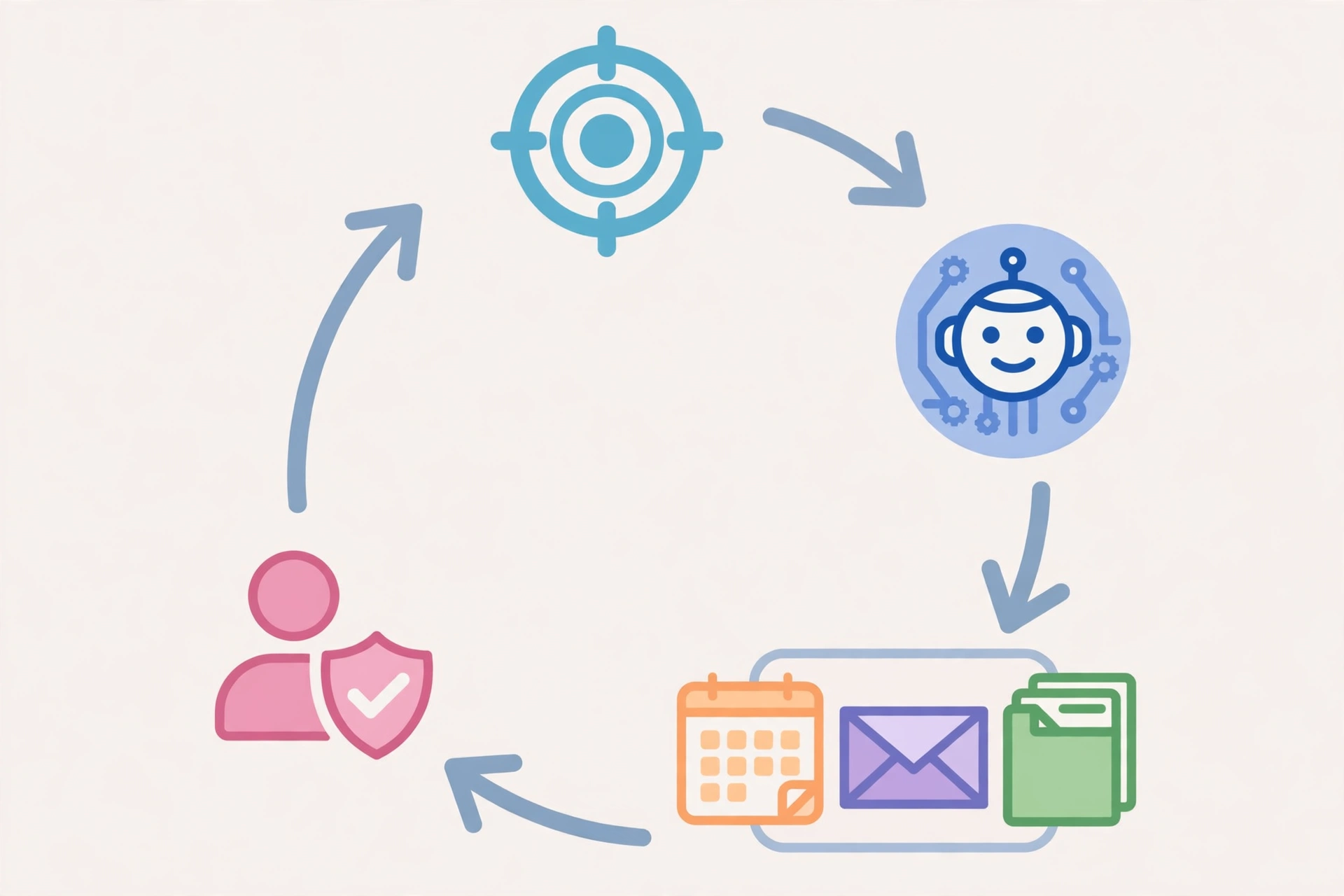
The first answer is a draft, not a verdict. Follow up with short, specific revisions: “Make this simpler,” “Explain that point with an example,” “Give me three shorter alternatives,” or “What am I missing?” Iterative prompting usually beats trying to write one perfect prompt.
5. Ask what is missing
End an important prompt with: “Before answering, identify any important information that is missing.” If ChatGPT needs a date, a budget, or an audience to answer well, it is better to learn that before you get a confident-sounding answer built on guesses.
A reusable template
Copy this, fill in the brackets, and delete the parts you do not need:
Act as a [ROLE]. My goal is to [GOAL]. Context: [RELEVANT BACKGROUND]. Target audience: [AUDIENCE]. Task: [EXACT TASK]. Requirements: [REQUIREMENT 1], [REQUIREMENT 2]. Output format: [FORMAT]. Constraints: [WHAT TO AVOID]. Before answering, identify any important missing information. Do not invent facts, statistics, or sources.
Keep it somewhere you can reuse it — a note, a document, or a pinned message. Most of your prompts will need only small edits to this shape.
Prompts for common jobs
Learning something new: “Explain [topic] as if I am learning it for the first time. Start with a simple explanation, then give one example, list three common mistakes, and finish with five practice questions. Give the answers after the questions, not before.”
Planning work: “Turn this rough list into a one-week plan. Group related tasks, put the hardest task first each day, and flag anything that needs someone else’s input. [Paste the list.]”
Summarizing: “Summarize the text below in five bullet points for a busy manager. Focus on the main argument, the evidence, and any recommended actions. Do not add information that is not in the text.”
Brainstorming: “Give me ten blog post ideas about [topic] for beginners. For each, add one sentence explaining who it helps and what question it answers. Avoid ideas that are just definitions.”
Mistakes beginners make
- Being vague, then blaming the tool. If the answer is generic, the prompt usually was too.
- Asking for everything at once. A 2,000-word article, a social campaign, and a FAQ in one prompt will be weaker than three focused prompts.
- Pasting sensitive information. Do not paste passwords, private customer data, confidential business documents, or personal health details into a chatbot unless your organization’s policy and your plan explicitly allow it. Remove what the task does not need.
- Trusting the first answer. ChatGPT can sound confident about something it got wrong. For anything you will publish, send, or act on, verify names, dates, numbers, and claims against a reliable source.
A quick worksheet before you hit send
Before you send an important prompt, check five questions:
- What exactly do I want back?
- Who is it for?
- What background does ChatGPT need?
- What should the result look like?
- What must it not invent or change?
If you can answer all five, your prompt is ready. If you cannot answer one, add it to the prompt — or accept that the first answer will be a rough draft to refine.
Frequently asked questions
Do I need to learn prompt engineering?
No. You need one formula and the habit of being specific. Fancy frameworks help only after the basics — task, context, audience, and format — are in place.
Why does ChatGPT give generic answers?
Usually because the prompt was generic. Add an audience, a purpose, and a format, and the answer sharpens quickly.
Should prompts be long?
As long as they need to be, and no longer. A quick question can be one sentence. A publishable draft deserves a full brief.
Can ChatGPT replace checking my work?
No. Treat its output as a first draft written by a fast, knowledgeable assistant who sometimes gets details wrong. You are still the editor.
Keep learning
Prompting is a writing skill, and it improves with practice. Start with the formula in this guide, save the prompts that work well for you, and refine them over time. If you are planning content, pair this guide with our walkthrough on writing SEO-friendly posts that help readers first, and if you are starting from zero, the step-by-step plan for starting a blog will help you turn good prompts into a real publishing habit.




2 thoughts on “How to Write ChatGPT Prompts That Get Useful Answers”