Introduction
A simple online store is just a few pieces working together: a place to show products, a way to take payment, a plan for getting orders to customers, and pages that answer buyers’ questions before they pay. You do not need a custom website, a warehouse, or a dozen apps. Most small sellers launch with a hosted platform, a small product list, and one or two payment options, then improve it as orders come in.
The Minimum-Viable-Store Checklist
Before comparing platforms, decide what your store must do on day one: take an order, take payment, and tell the customer what happens next. Everything else can wait.
A launch-ready store needs a homepage that says what you sell in one or two sentences; product pages with a photo, price, description, and buy button; a working checkout with at least one payment method; a shipping plan, even if it is just one flat rate or local pickup; a returns page in plain language; a contact page; a secure connection (HTTPS); and order notifications.
It does not need a blog, a loyalty program, live chat, or discount pop-ups at launch. Launch small and add features only when a real problem asks for them. If you are still deciding whether the business itself makes sense, read How to Start an Online Business With a Small Budget first.
Choosing a Platform
The main choice is hosted versus self-hosted. Hosted platforms (Shopify, Wix, Squarespace, Square Online) handle hosting, security, and checkout for a monthly fee. Self-hosted options such as WooCommerce, a free WordPress plugin, give you more control but more responsibility for hosting and updates.
Here is how the main beginner-friendly options compare, based on pricing published in October 2026 — confirm the current price on each platform’s pricing page before you commit.
- Shopify: The most common choice for sellers who plan to grow. Basic is $29/month billed annually in the US ($39 month-to-month), with unlimited products and built-in payments.
- Wix: A website builder with ecommerce built in; Core is around $29/month billed annually. Best for a good-looking site and store in one place.
- Squarespace: Polished templates and a simple editor; selling plans start around $19/month billed annually. Best for design-led brands with small catalogs.
- Square Online: The cheapest way to start: a free plan with no monthly fee — you only pay card processing per sale. Best for local sellers and testing an idea.
- WooCommerce: Free open-source software that turns a WordPress site into a store; you pay for hosting and extensions, with no platform subscription. Best if you already use WordPress.
For the fastest path, pick Shopify or Square Online; for design, Wix or Squarespace; for WordPress, WooCommerce. Do not spend weeks comparing — put your energy into products and checkout instead.
Use your own domain name rather than the platform’s free subdomain — it looks more professional and stays yours if you switch. If you have never built a website, How to Create a Website Without Coding explains the no-code basics, and the small business website checklist covers the pages every business site needs.
Setting Up Products
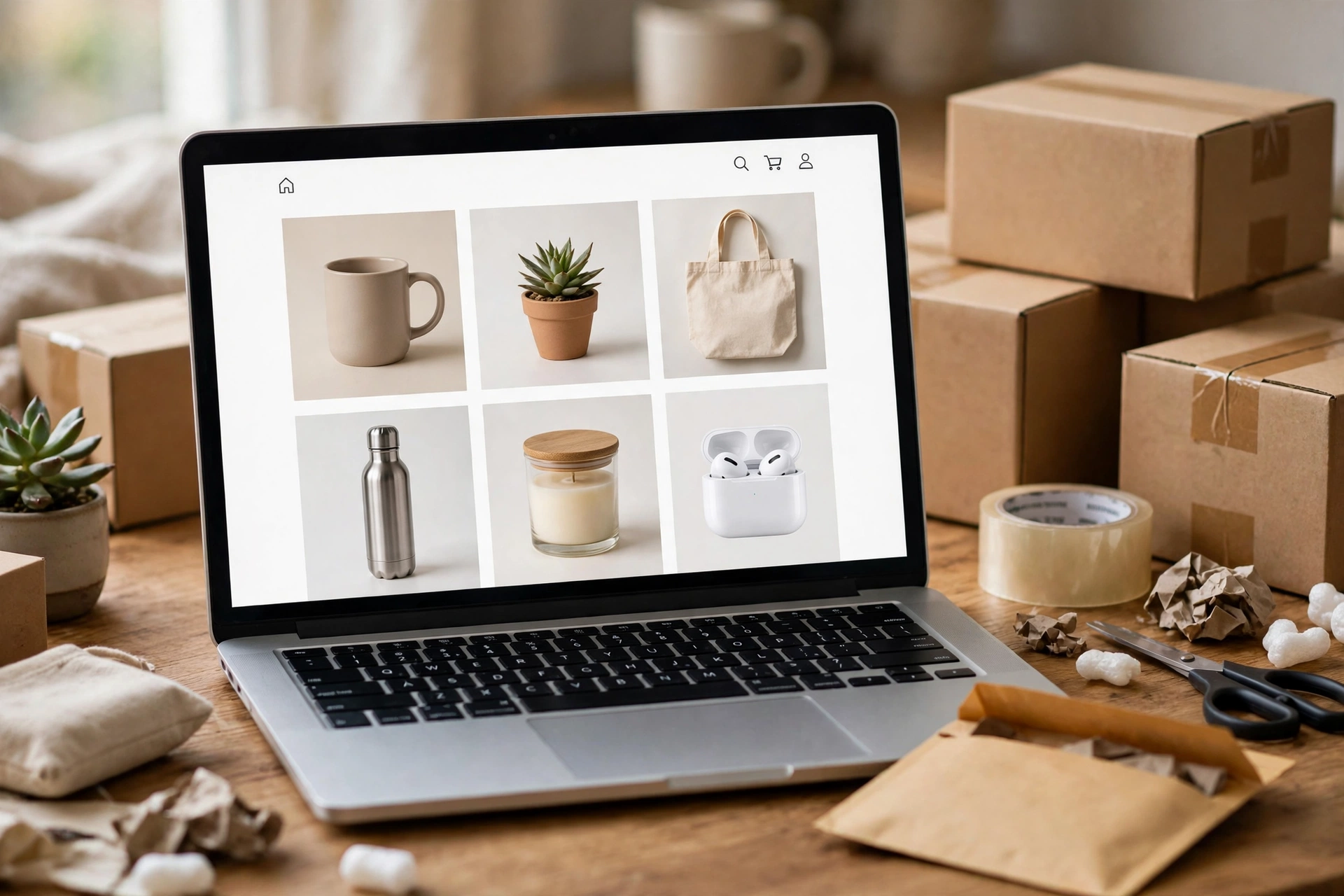
Your product pages do most of the selling. A good one answers four questions quickly: what is it, what does it cost, what will I get, and how do I buy it?
For each product, include a clear name, two or three photos from different angles in natural light, and a short description covering materials, size, and who it is for. Show the price clearly, with taxes or shipping clear before checkout. Add options such as size or color, and stock information.
Start with five to ten well-presented products — they beat fifty rushed listings. Write descriptions for people, not search engines: materials, care instructions, dimensions, and weight. If you sell handmade or made-to-order items, say so and state the production time.
Policies: Shipping, Returns, and Privacy
Policies are the pages customers read when deciding whether to trust you. They do not need legal language — they need clear, honest answers.
Shipping policy. State where you ship, dispatch times, the carrier, and the cost — and the free-shipping threshold, if you offer one. A flat rate is often easiest: one price for every order.
Returns policy. State whether you accept returns, within how many days, in what condition, who pays return shipping, and whether the refund is money back or store credit — for example, 30 days for unused items in original packaging, refunded to the original payment method.
Privacy policy. Every store collects names, email addresses, and shipping addresses, so you need a page explaining what you collect and how you use it — most platforms generate a basic template. Do not collect data you do not need, and do not share customer information except with the services needed to fulfill an order.
Terms of service. A short terms page covering payment and order acceptance is good practice; for regulated products or local rules, check locally rather than copying another store’s terms.
Payments and Shipping Basics
Most small stores start with one payment processor that accepts major credit and debit cards, plus a wallet option such as Apple Pay or Google Pay. The most common choices for US sellers are Shopify Payments (built into Shopify), Stripe, PayPal, and Square.
Use a hosted checkout or your platform’s built-in payment integration, and never collect or store card numbers yourself — when card details are entered on your processor’s page, the card-data security (PCI DSS) burden on you is much lighter.
Understand the fees before you price products. On Stripe’s published US pricing, the standard online rate is 2.9% plus 30 cents per successful domestic card payment — a $100 order costs about $3.20 in processing. PayPal’s published US card rates are similar, around 2.99% plus a fixed fee. These are US domestic-card rates and change by country and currency, so check your provider’s current pricing page. Also confirm payout timing: most processors hold funds briefly before paying out.
Start with one processor and add a second, such as PayPal, only if customers ask for it. Enable the wallets your customers use, and test a refund as well as a purchase. For a fuller walkthrough, see How to Accept Online Payments on a Website.
For shipping, choose flat-rate shipping, free shipping over a set order value, or local pickup. Weigh packed products once with a kitchen scale, so your flat rate reflects real postage costs including packaging. Print labels through your platform or carrier — usually cheaper, with tracking generated automatically.
The Test-Order Script
Never announce your store before placing a test order yourself — it catches broken buttons, wrong prices, confusing checkout, and missing emails. Run this script on a phone and a computer:
- Open the homepage and confirm it loads quickly and says what you sell
- Add a product to the cart, check price and quantity, try two items, remove one, and confirm the total updates
- Go through checkout: enter a real-looking address, choose shipping, and confirm the cost matches your policy
- Complete a payment with a test card or a small real payment, then refund it
- Check that the order confirmation email arrives and reads correctly, and that the order appears in your dashboard with the right items and address
- Test the contact form and confirm the store’s email works — set one up with How to Create a Professional Business Email Address if needed
- Check the store on a phone: buttons easy to tap, text readable, checkout working without sideways scrolling
Fix everything you find, then run the test order once more. If a friend is willing, ask them to try it too — fresh eyes notice confusing steps you have stopped seeing.
Launch Checks
Once the test order works, run a final check before sharing the store link: your domain is connected; the store shows a padlock (HTTPS); shipping, returns, privacy, and contact pages are published and linked from the footer; prices, photos, and stock are correct; payment is live, not in test mode, with payouts connected to your bank account; tax settings are configured — rules vary by state and country, so check locally; order emails go to an inbox you check; registration, tax, and license requirements are handled — check locally; tracking is enabled; packaging is ready.
Then launch quietly: tell a small group first and watch for problems for a day or two before promoting the store widely.
Frequently Asked Questions
How much does it cost to build a simple online store?
The platform is the main ongoing cost: hosted options run roughly $19 to $39 per month for entry plans in the US, and Square Online has a free plan. Add a domain (around $10 to $15 per year), payment processing of roughly 3% per sale, and packaging. You can launch for under $50 per month in fixed costs plus per-order fees — but confirm current prices first.
Do I need a business license to sell online?
It depends on where you live and what you sell. Some places require a business registration or sales-tax permit before your first order; others do not for very small sellers. Check locally before launch.
Can I build an online store without coding?
Yes. Shopify, Wix, Squarespace, and Square Online are built for that: pick a theme, add products, and configure settings through menus. WooCommerce also works without code for a basic store, though it asks more of you on hosting.
How many products do I need to launch?
There is no minimum — a store can open with a single product. Five to ten well-presented products is a good target: enough to browse, few enough that every listing gets proper photos and a real description. Add products based on what customers buy, not to fill empty pages.
Should I offer free shipping?
Only if the numbers work. Someone always pays for it — either you absorb the cost or you build it into product prices. A common middle ground is free shipping above a minimum order value. Work out your real postage and packaging cost per order first, then decide.
The Bottom Line
A simple online store is a small set of decisions made well: a platform that fits your comfort level, a handful of products presented honestly, clear policies, one reliable way to take payment, a straightforward shipping plan, and a tested checkout. None of that requires a big budget or technical skill — just care with the details customers notice.
Launch with the minimum that works, place a test order, fix what breaks, and open quietly. Then improve the store based on real orders and real questions from customers — that is how a small shop grows into a real business.